TikMonitor for AgenciesUpdated 2026-10-27

Every host. Every gift. One panel.

TikMonitor for Agencies is a panel for TikTok LIVE agencies. It follows every live of every host from public data: chat, gifts, battles and video for the hosts you record. It turns them into targets, estimated earnings and, from the Agency plan, pay statements. It never asks for your Backstage login. Plans start at $99 a month.

From $99/mo · Prices in USD · Cancel any time

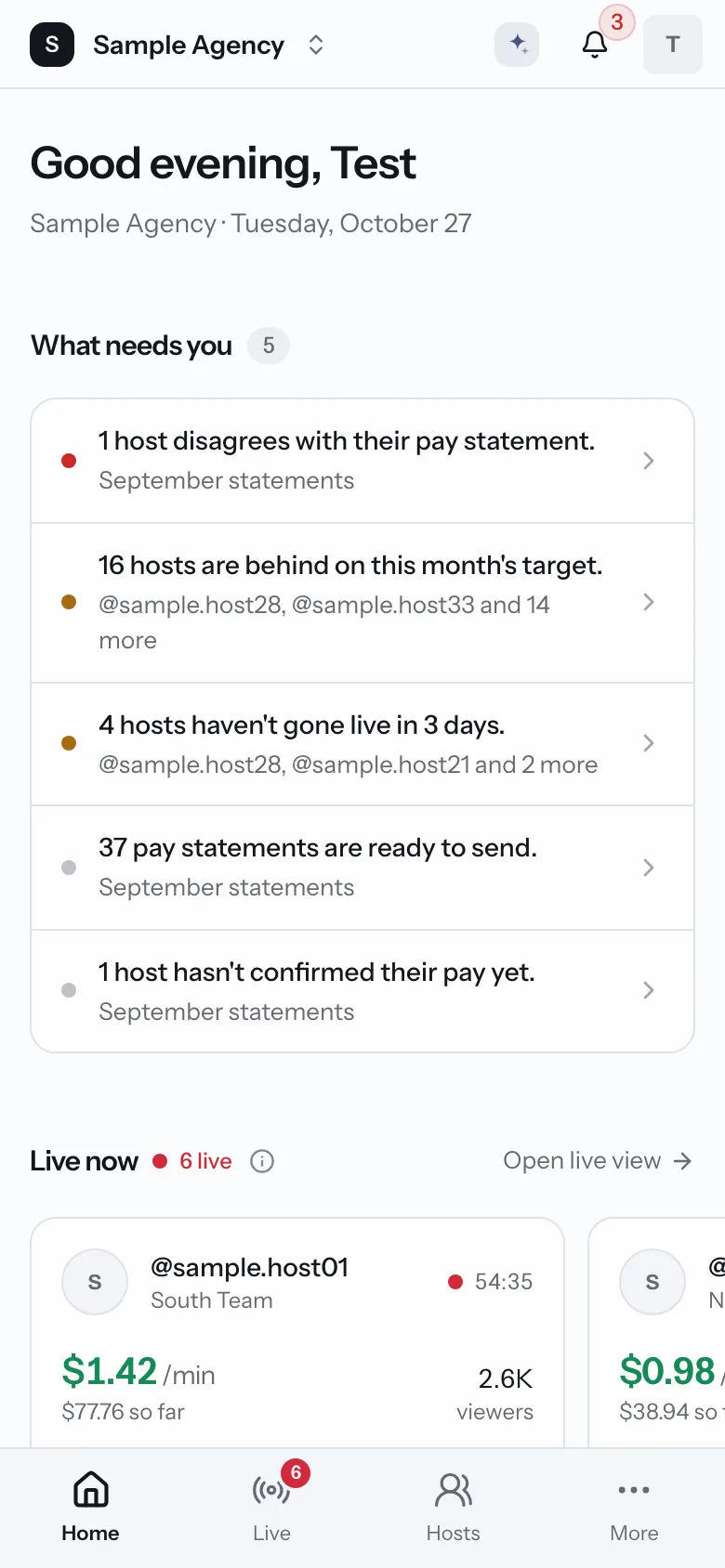
Agency home on a phone. What needs you today and the hosts who are live now. Sample data.
Sample data
Sound familiar?

The questions agencies ask every day

Backstage keeps the official numbers. Running the floor day to day takes more. These are the questions owners and managers ask, and where the panel answers them.

  • You ask

    Who is live right now, and how is it going?

    The panel shows

    Live now: every live host with estimated earnings so far, viewers and battle score.

  • You ask

    Did everyone do their hours this month?

    The panel shows

    Targets: live hours and valid days for each host, updated every day, not at month end.

  • You ask

    Which hosts are slipping?

    The panel shows

    Home: the hosts behind on target or not going live, named, so you can step in this week.

  • You ask

    How do we work out pay without a spreadsheet fight?

    The panel shows

    Payroll: statements from your own pay rules, with the lives behind every line.

Inside the panel

A tour of the real app

These are screenshots of the agency panel, filled with a made-up agency. Your panel looks the same with your own hosts.

Today

Open it and know what to do

What needs you, in plain words

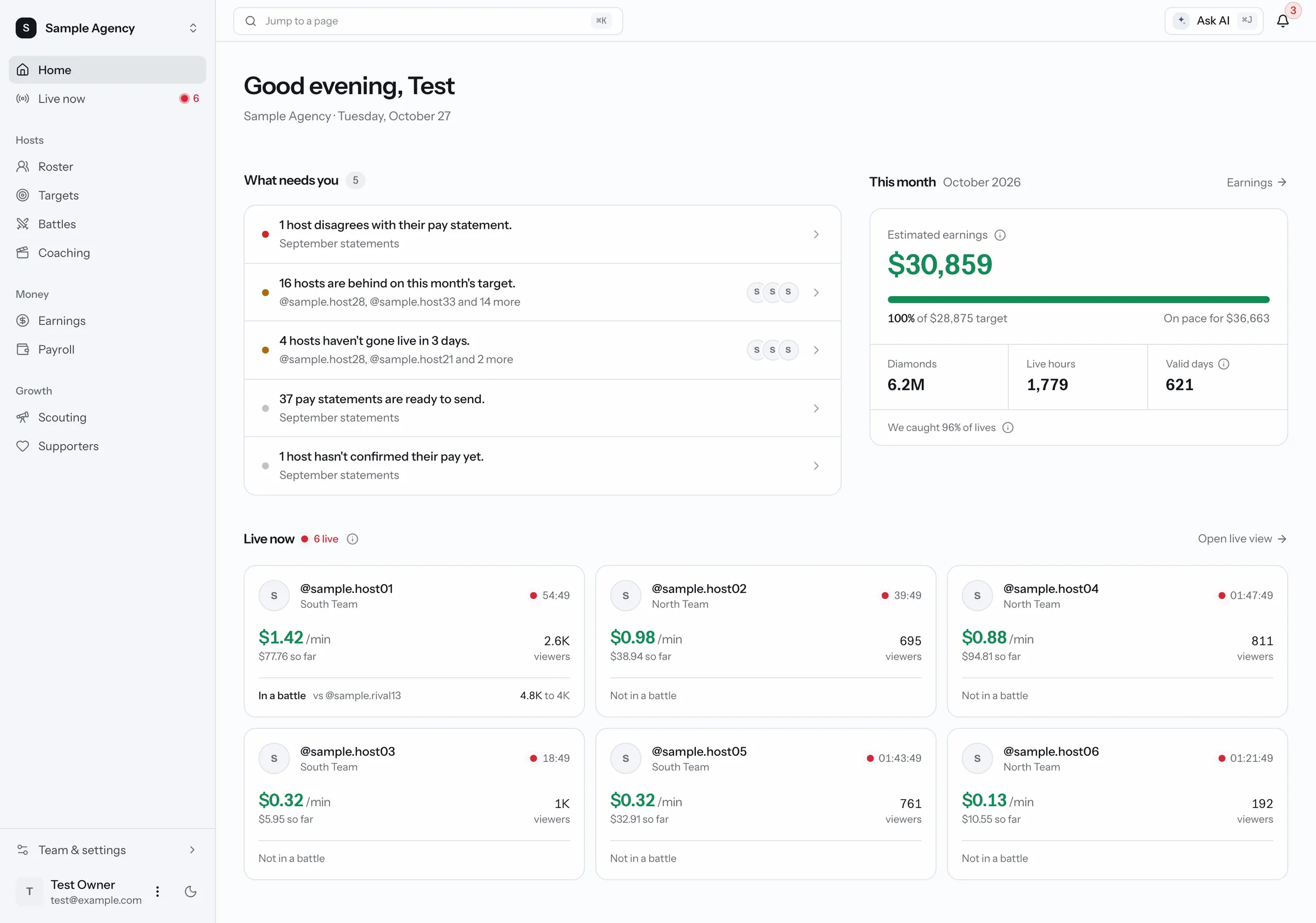
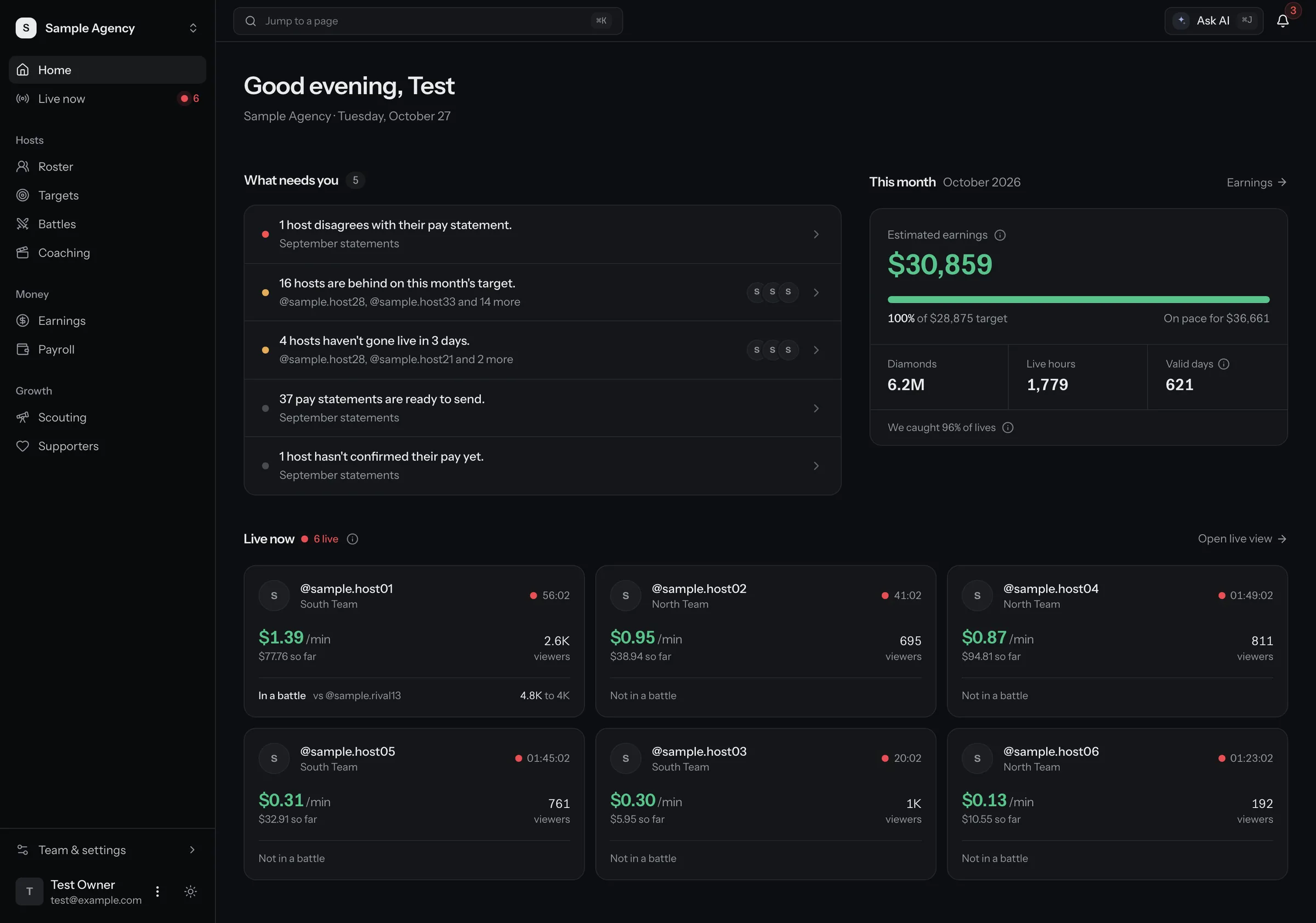
Home turns your numbers into a short to-do list. Then it shows this month against your target, and who is live now.

  • Hosts behind on target or not going live, by name
  • Pay statements waiting to be sent
  • This month's estimated earnings and pace
Agency home page. A list of what needs you today, this month's earnings against the target, and the hosts who are live now. Sample data.
Sample data

Every live host on one screen

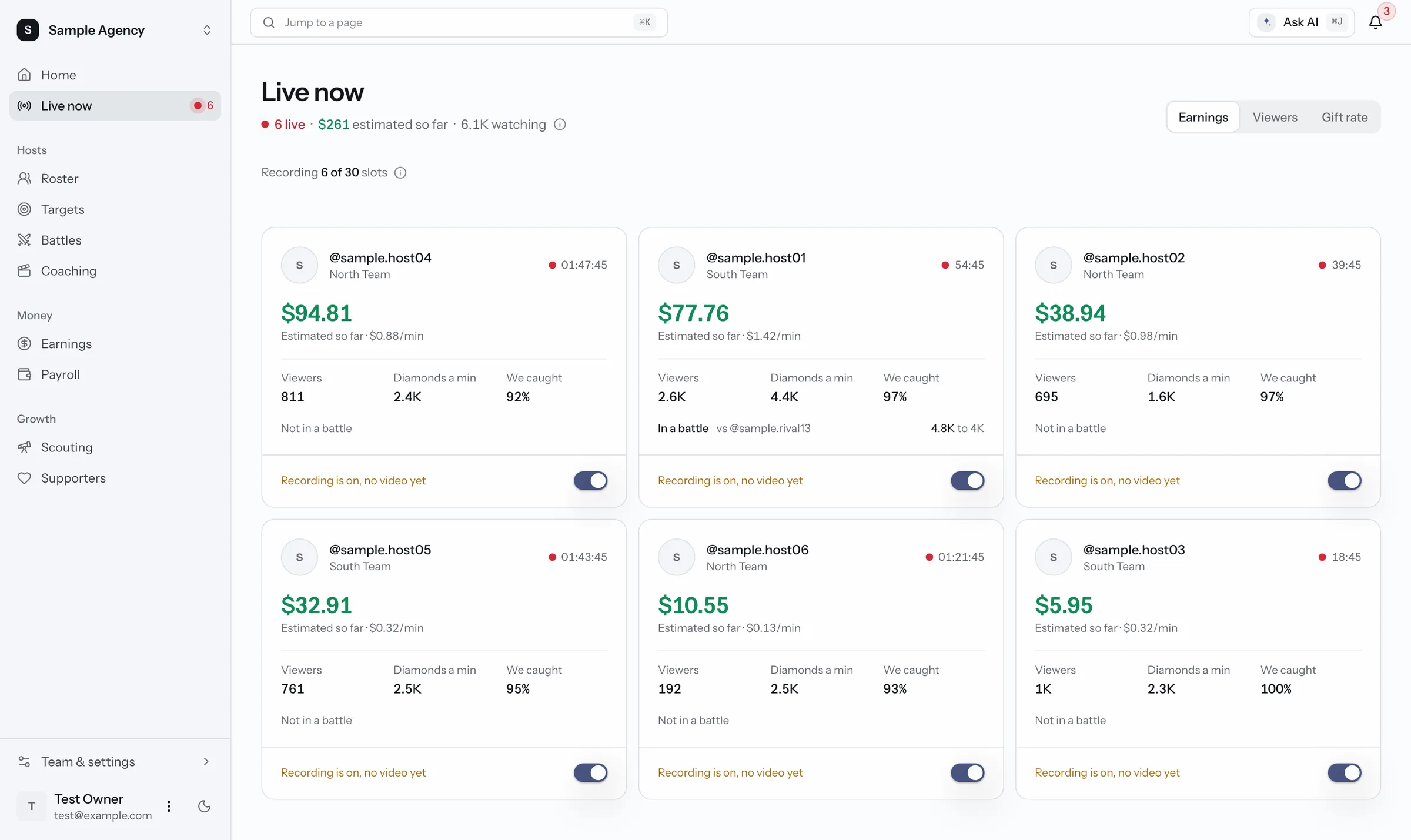
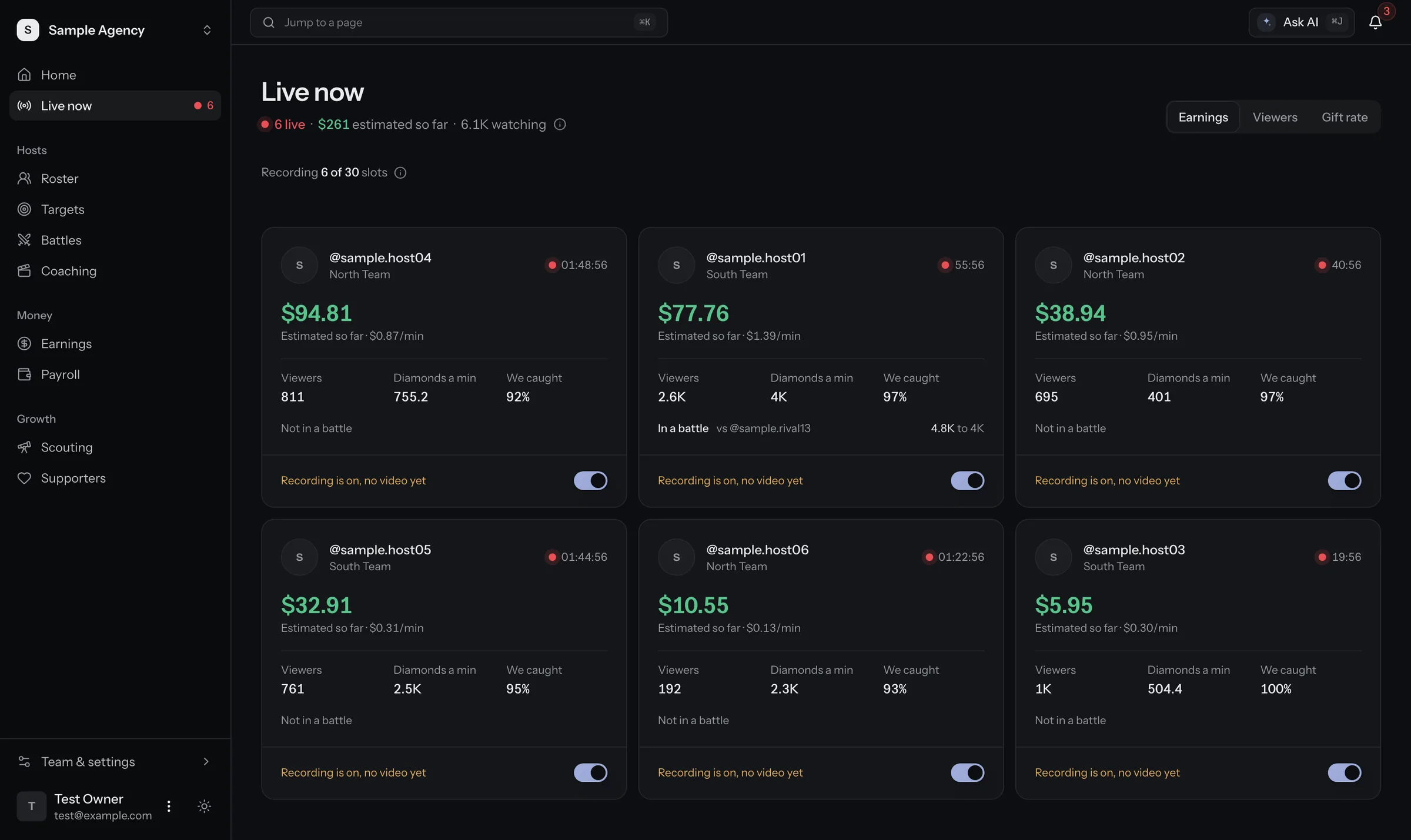
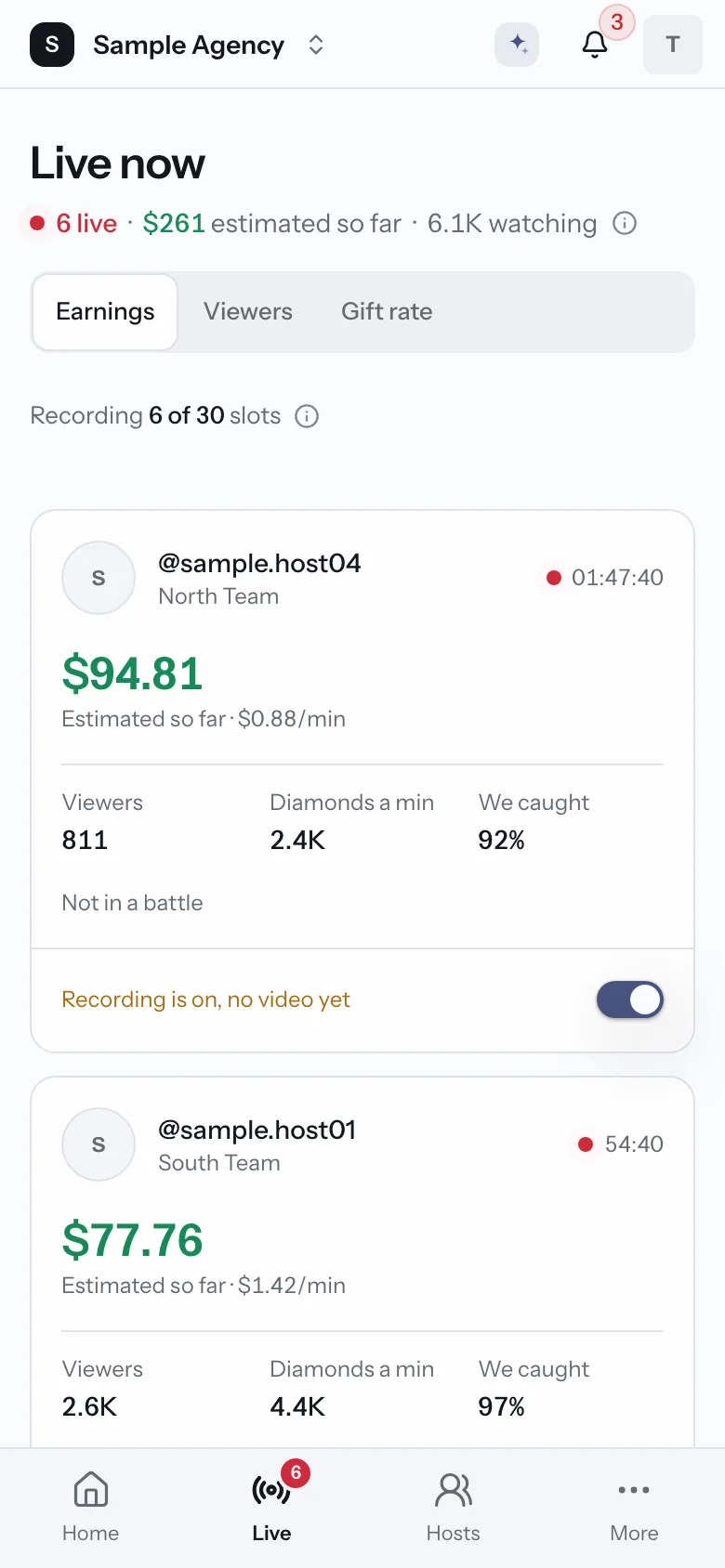
One card per host who is live. See money so far, viewers, diamonds a minute and battle score. Sort by what matters to you.

  • Updates while the lives run
  • Battle score and opponent
  • Recording on or off per host
More about live floor
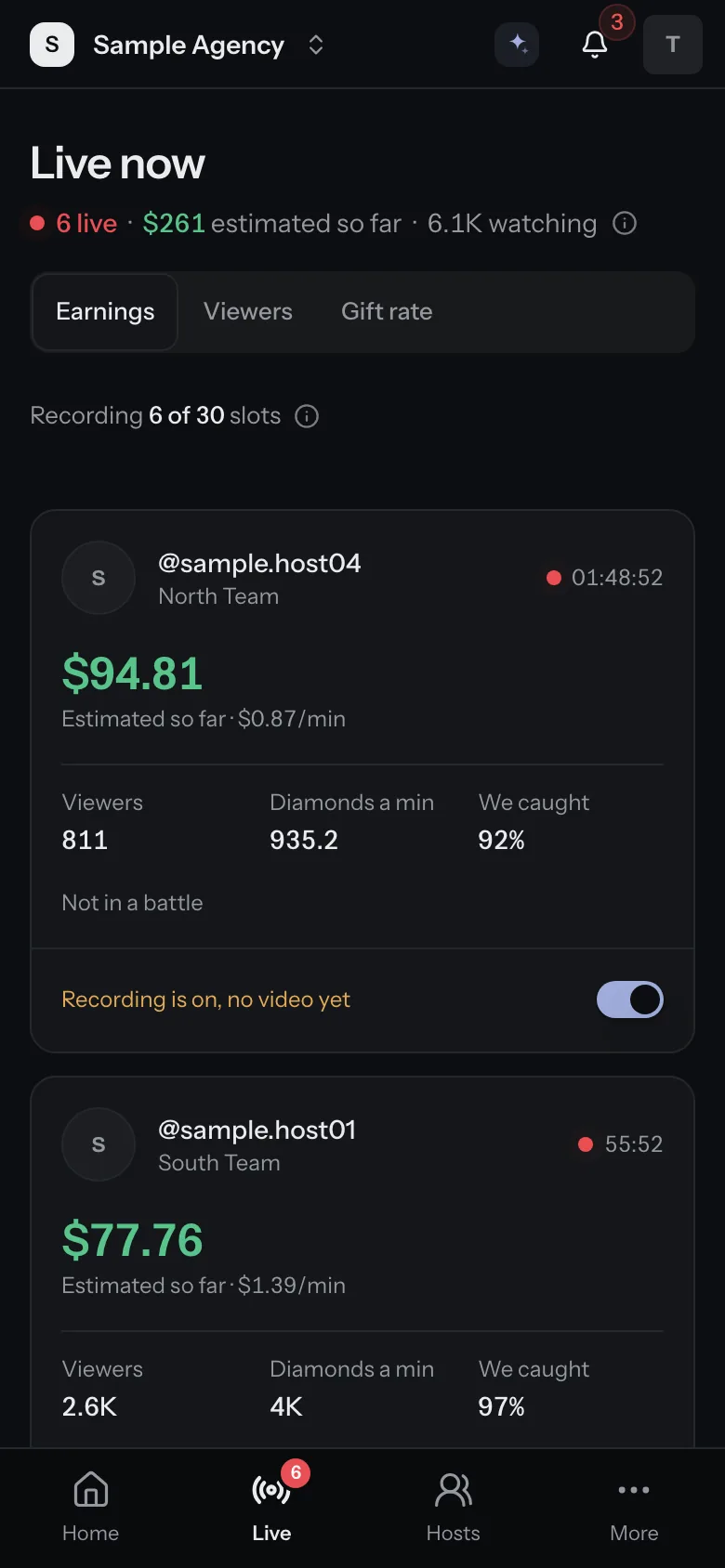
Live now on a phone. Each live host's estimated earnings, viewers and diamonds a minute. Sample data.
Sample data
Hosts

Know every host, not just the top ones

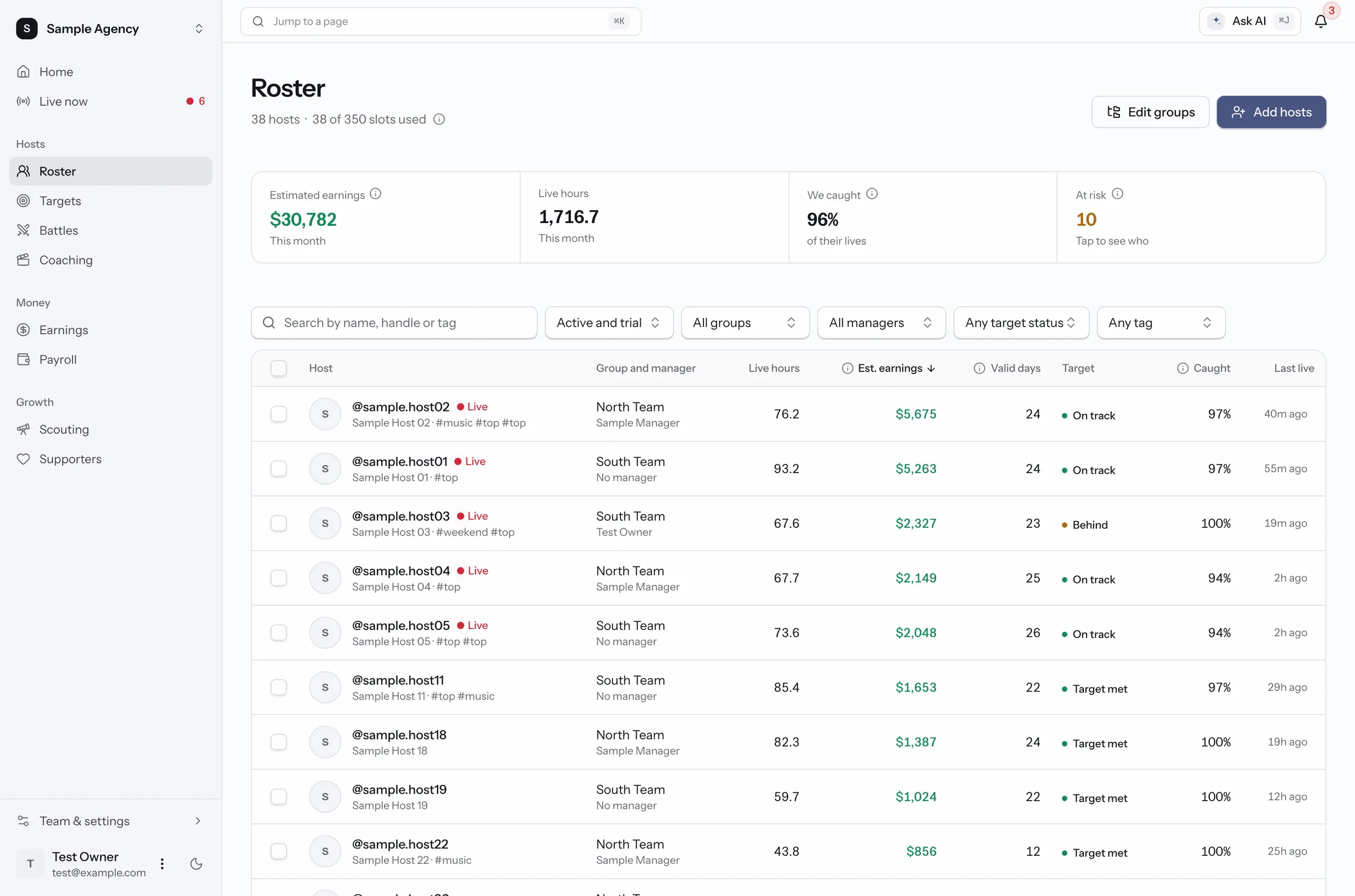
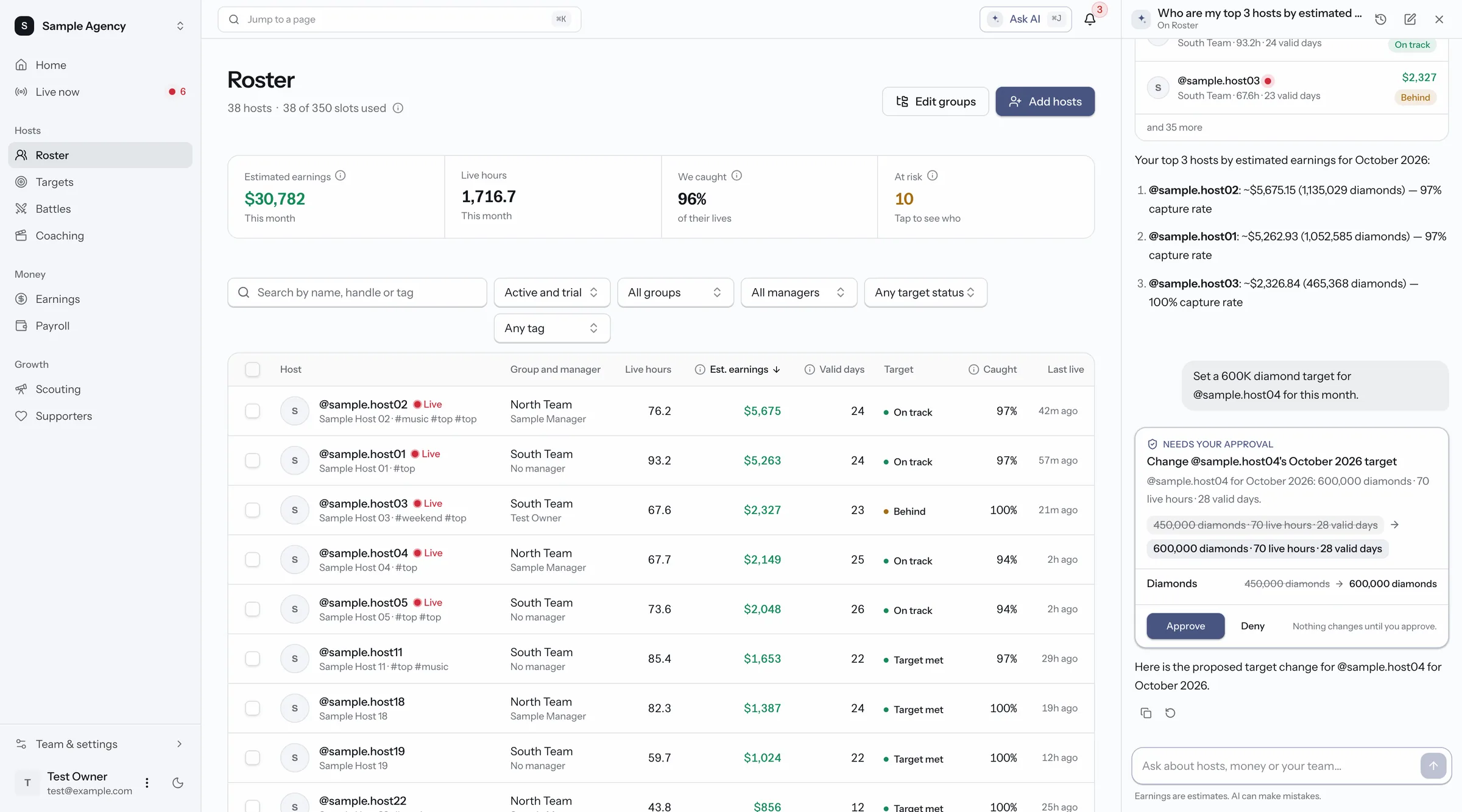
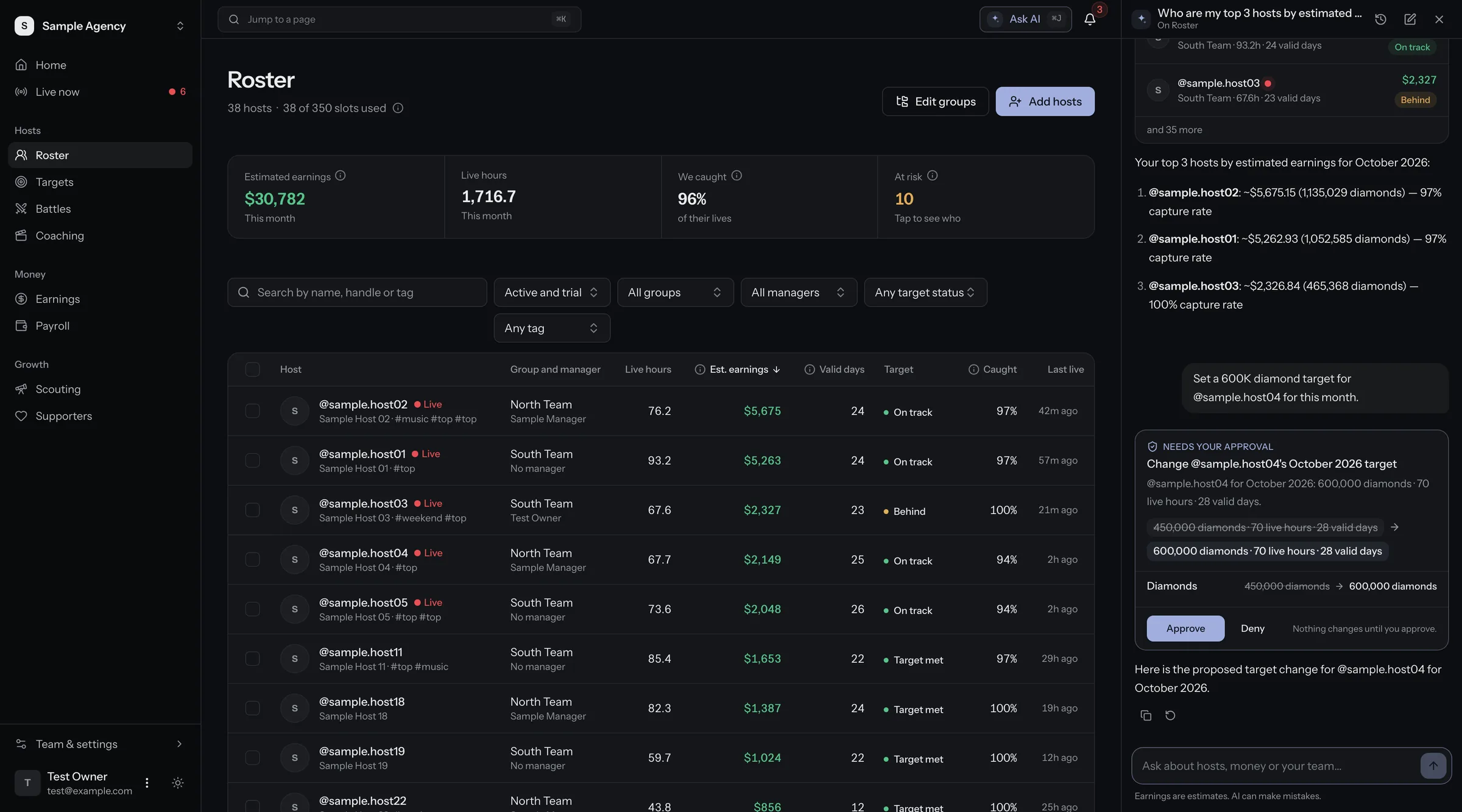
Your whole roster in one table

Group, manager, live hours, estimated earnings, valid days and target status for every host. Filter by group, manager, tag or status.

  • Add hosts by pasting their handles
  • Groups, managers and tags
  • How many of each host's lives we caught
More about roster
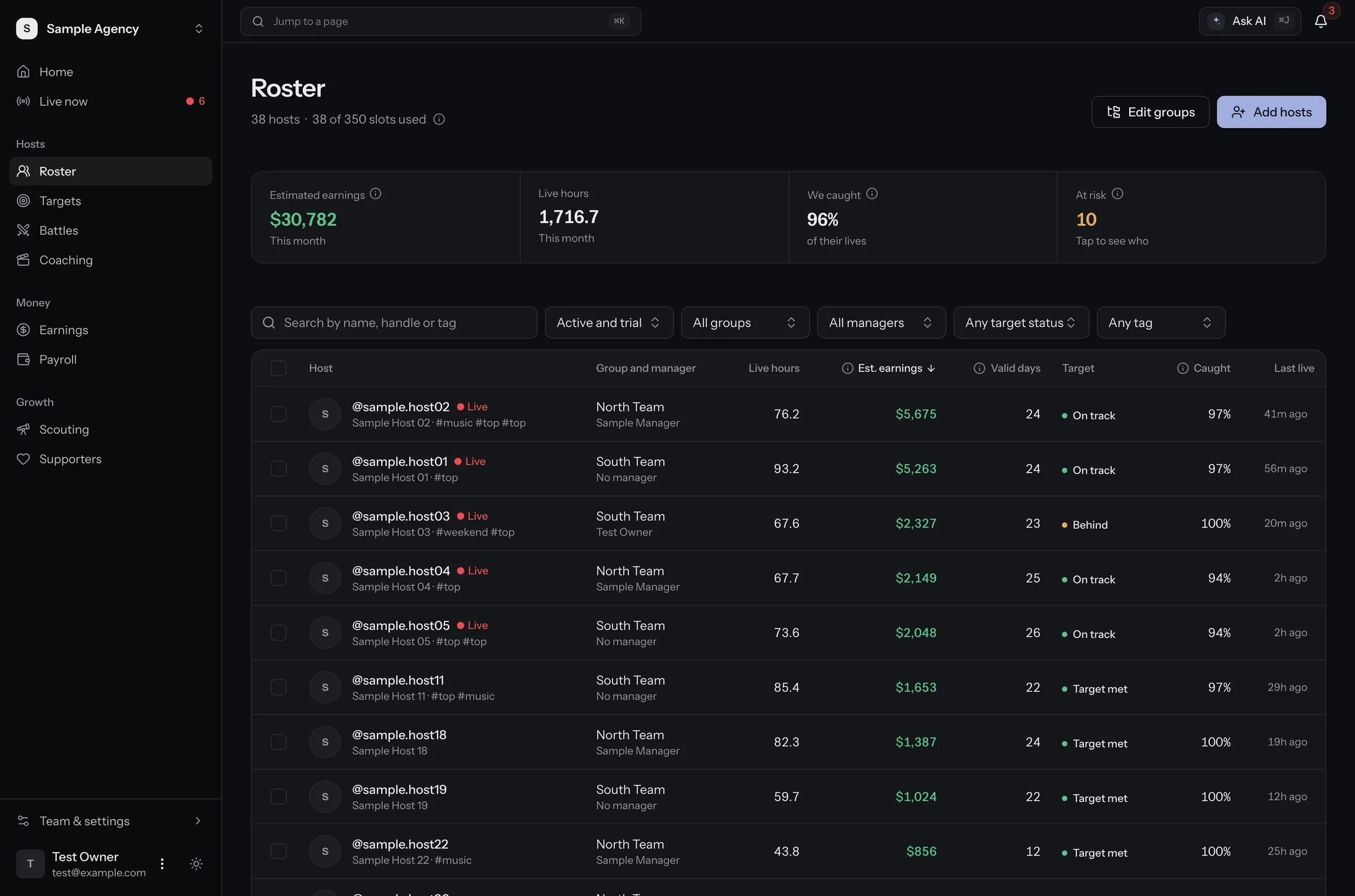
Roster page. A table of every host with group, manager, live hours, estimated earnings, valid days and target status. Sample data.
Sample data
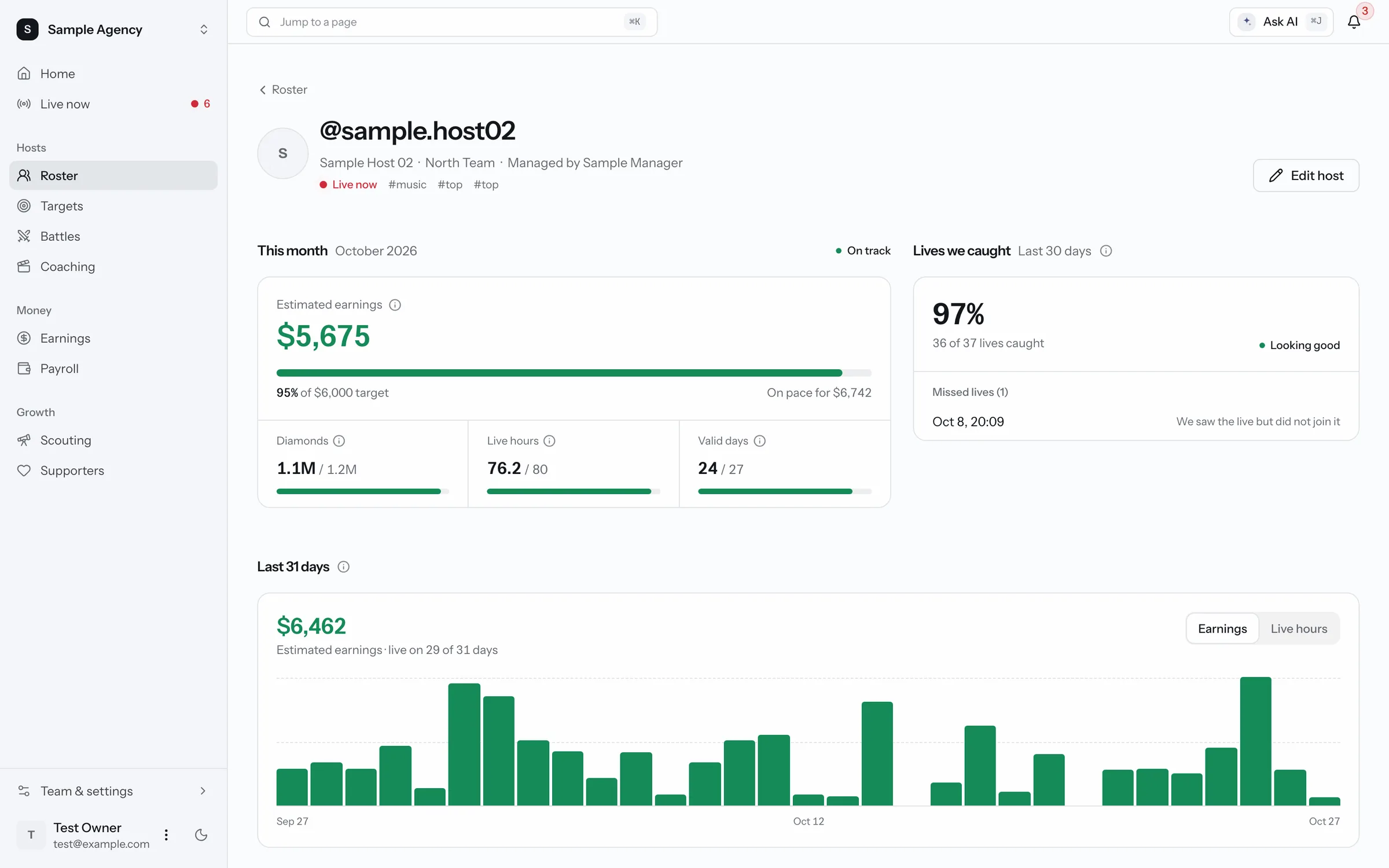
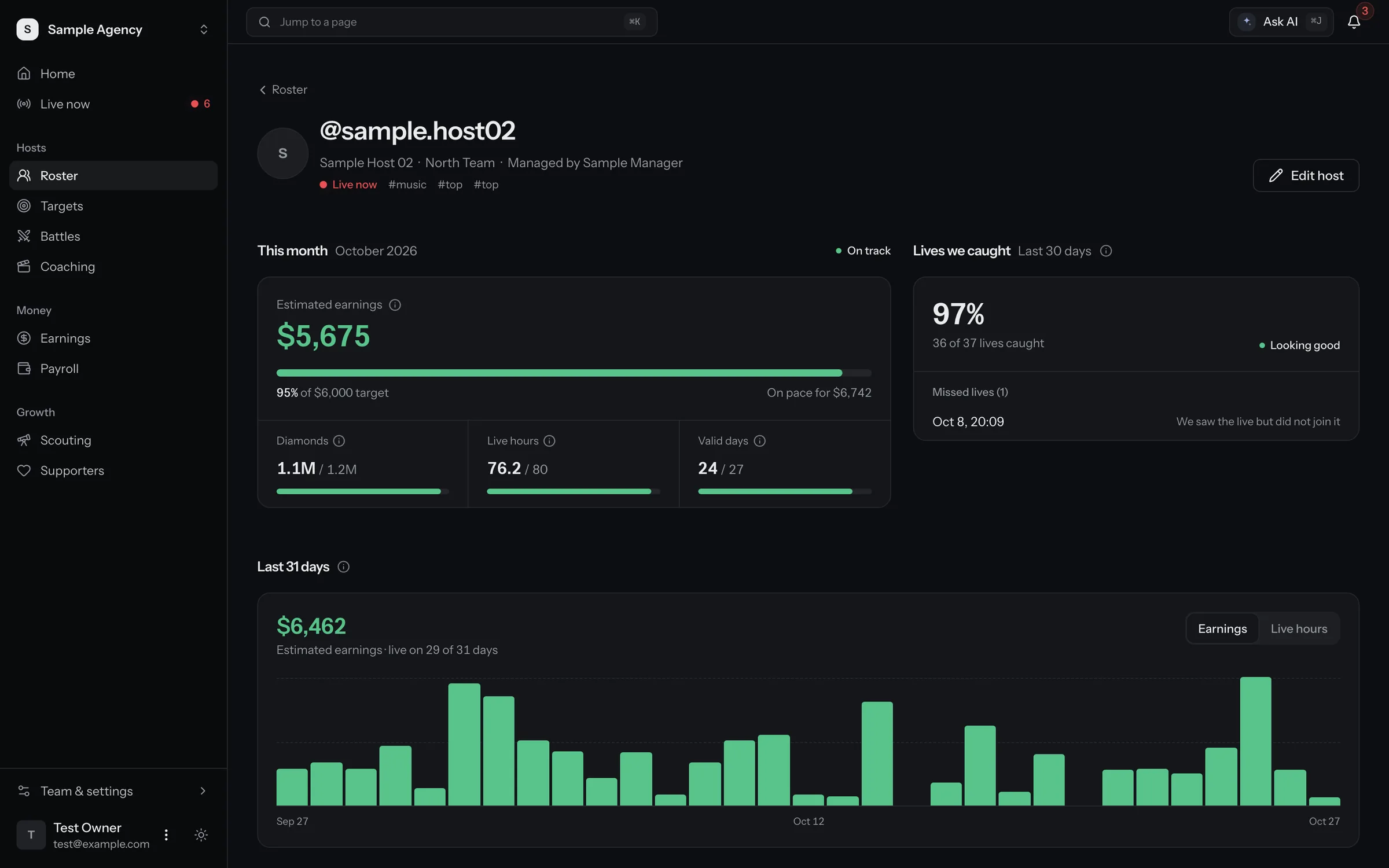
  • One host's page. This month's earnings against their target, how many of their lives we caught, and a daily earnings chart. Sample data.
    Sample data

    One page per host

    This month against their target, a daily earnings chart, and any live we saw but missed.

    More about roster
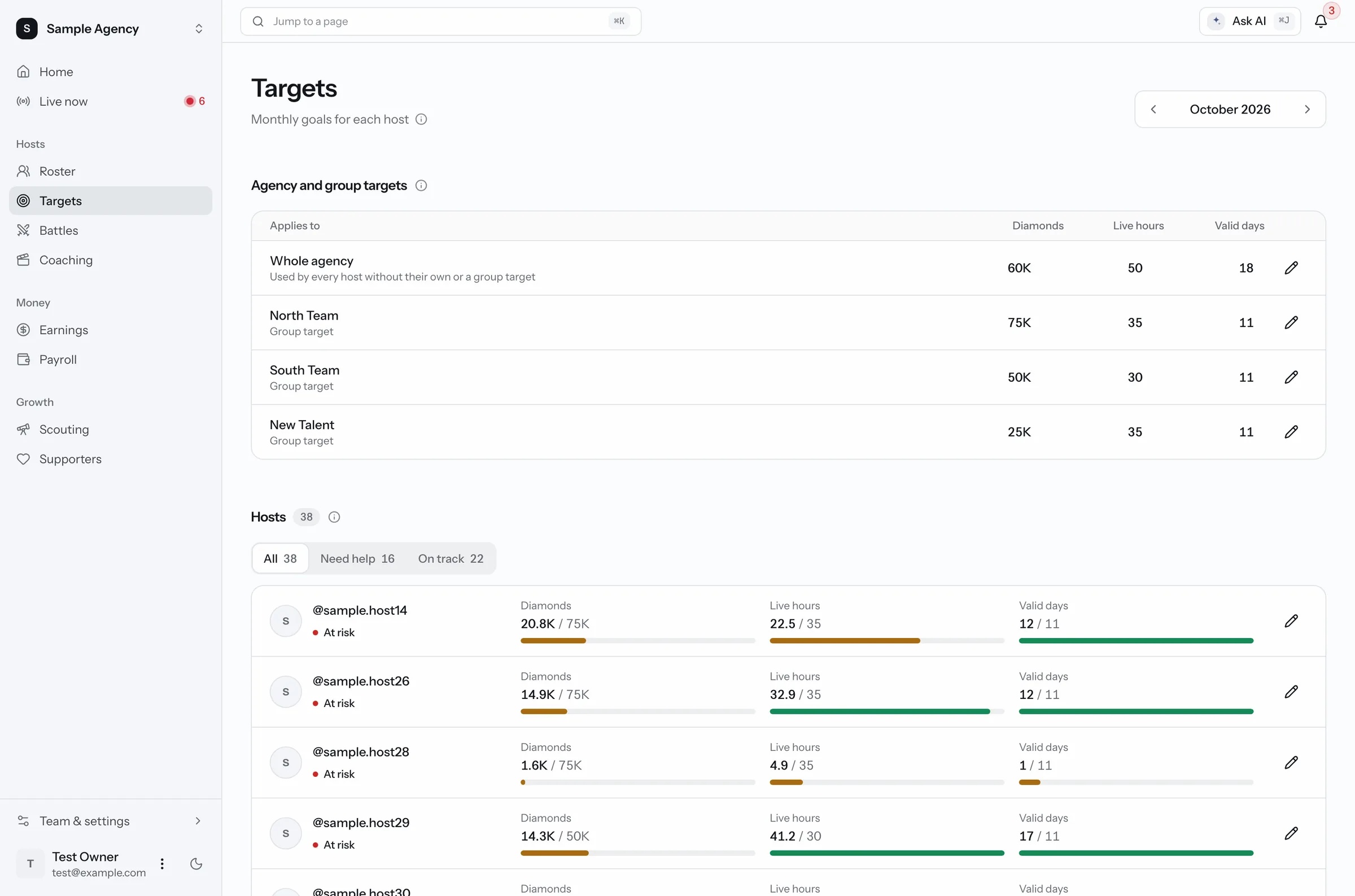
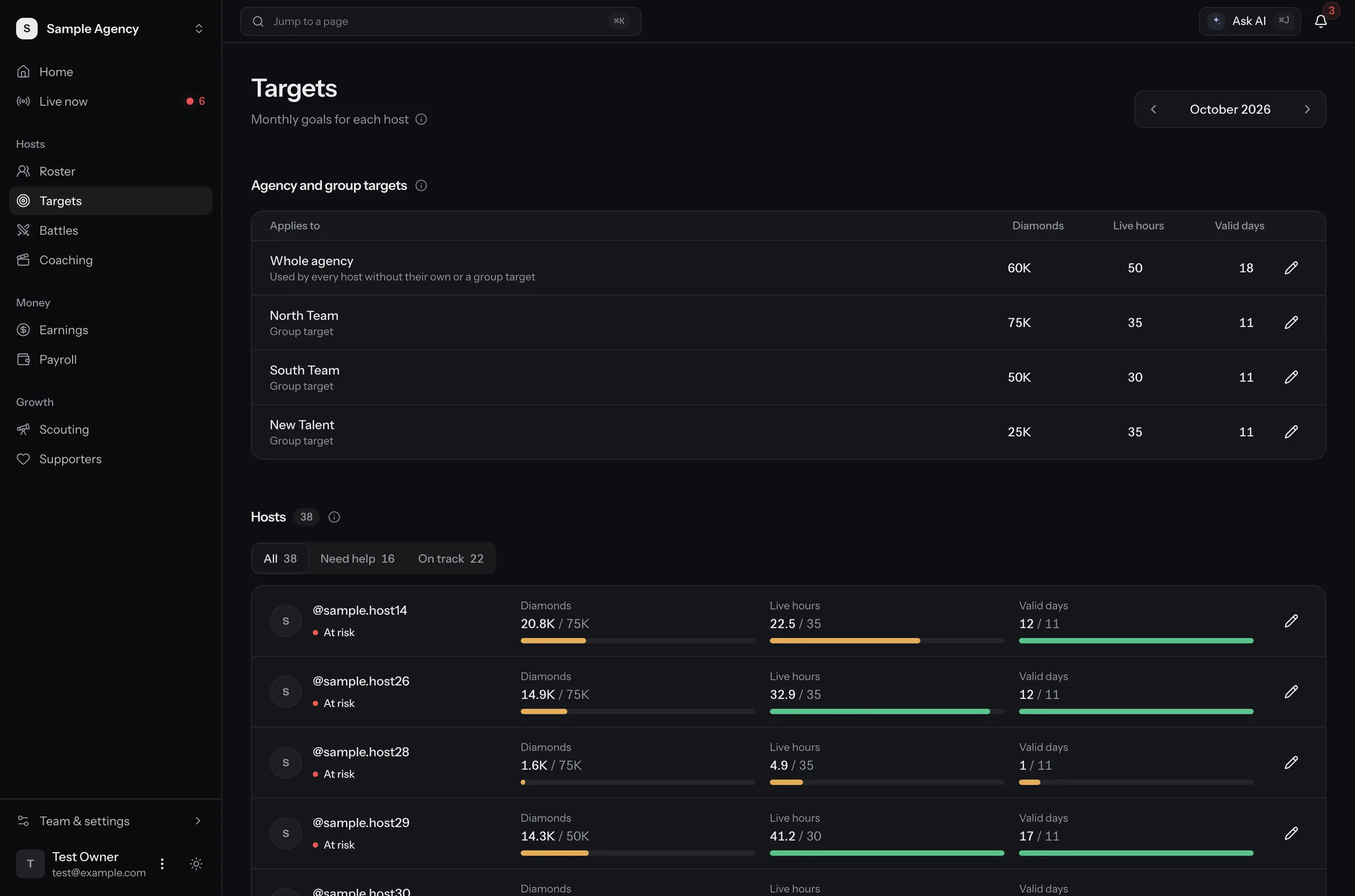
  • Targets page. Monthly goals for the agency, each group and each host, with progress bars for diamonds, live hours and valid days. Sample data.
    Sample data

    Targets with a daily pace

    Monthly goals for diamonds, live hours and valid days, for the agency, a group or one host.

    More about targets
Money

See the money before payday

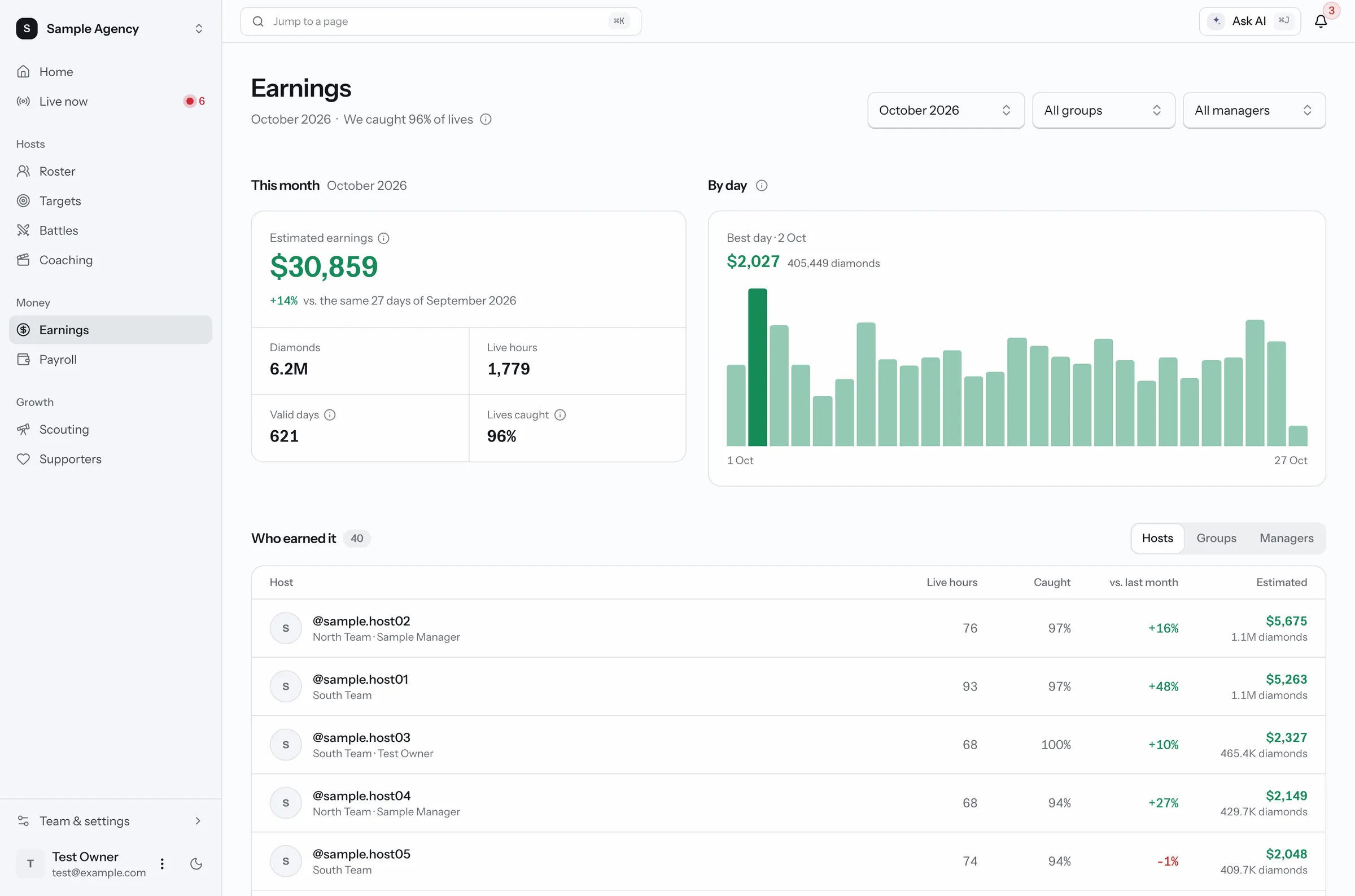
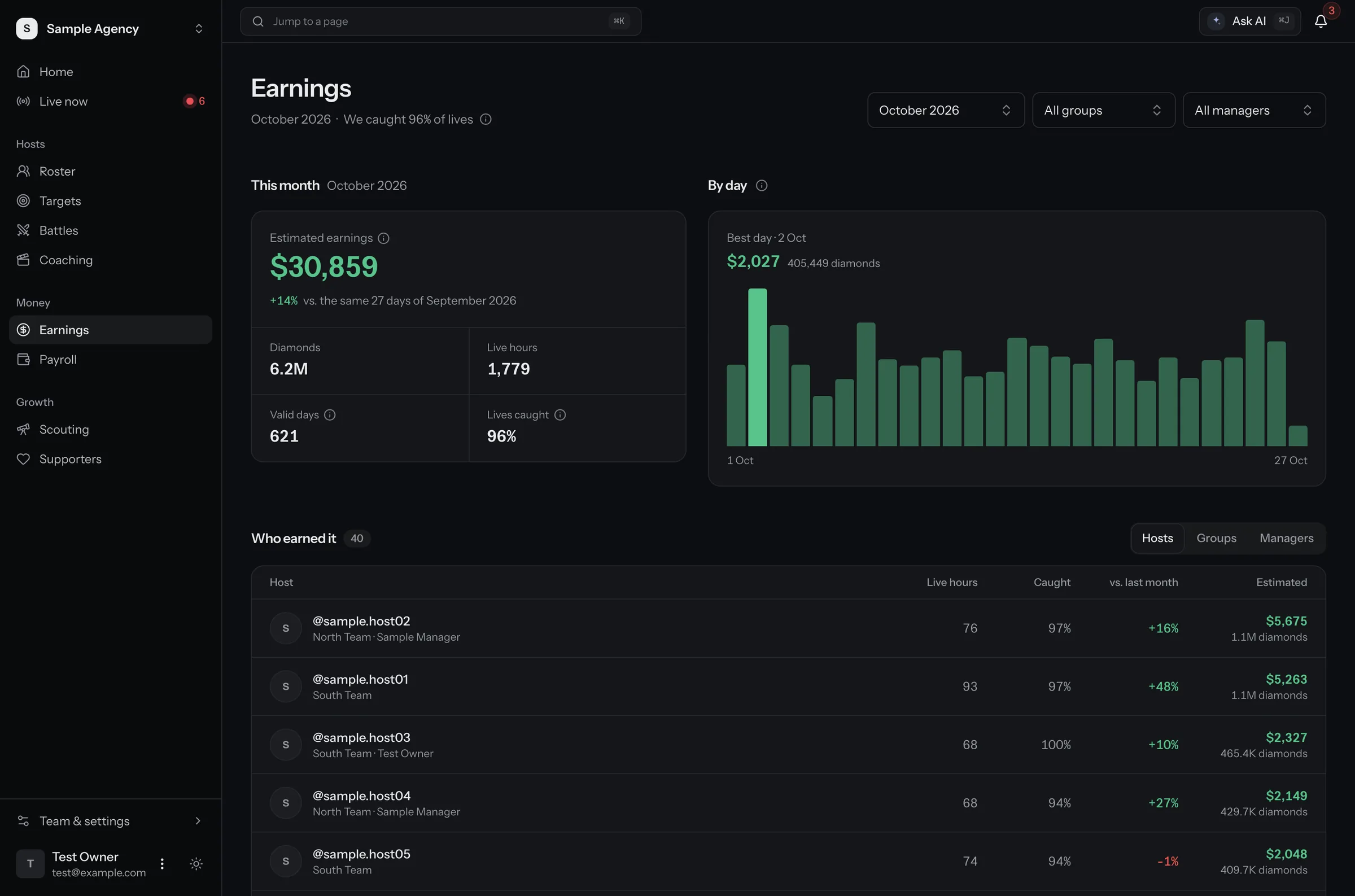
  • Earnings page. This month's estimated earnings, a chart by day, and a table of which hosts earned it. Sample data.
    Sample data

    Estimated earnings, every day

    Earnings by day and by host, worked out from every gift we captured. The capture rate sits next to the number.

    More about earnings
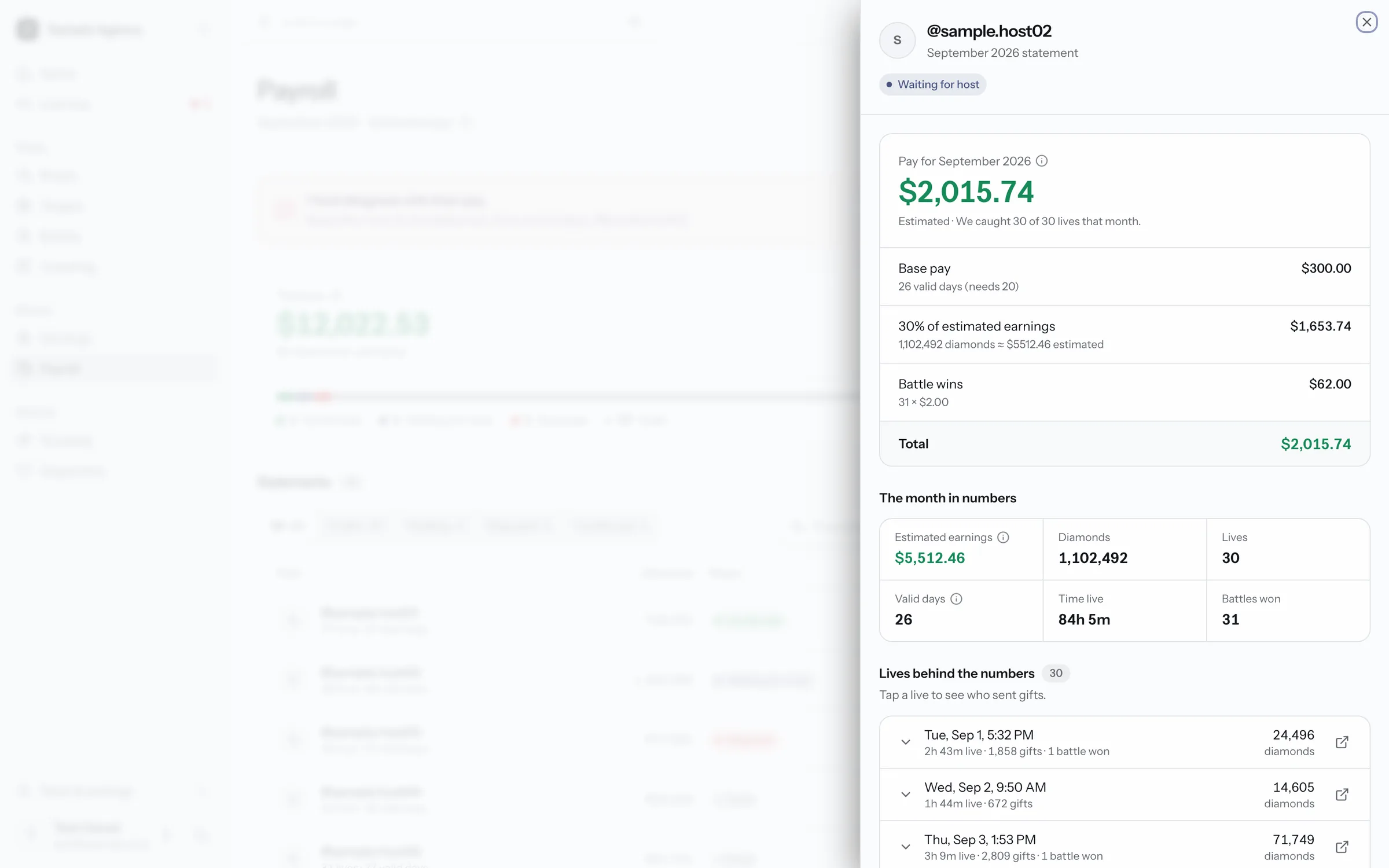
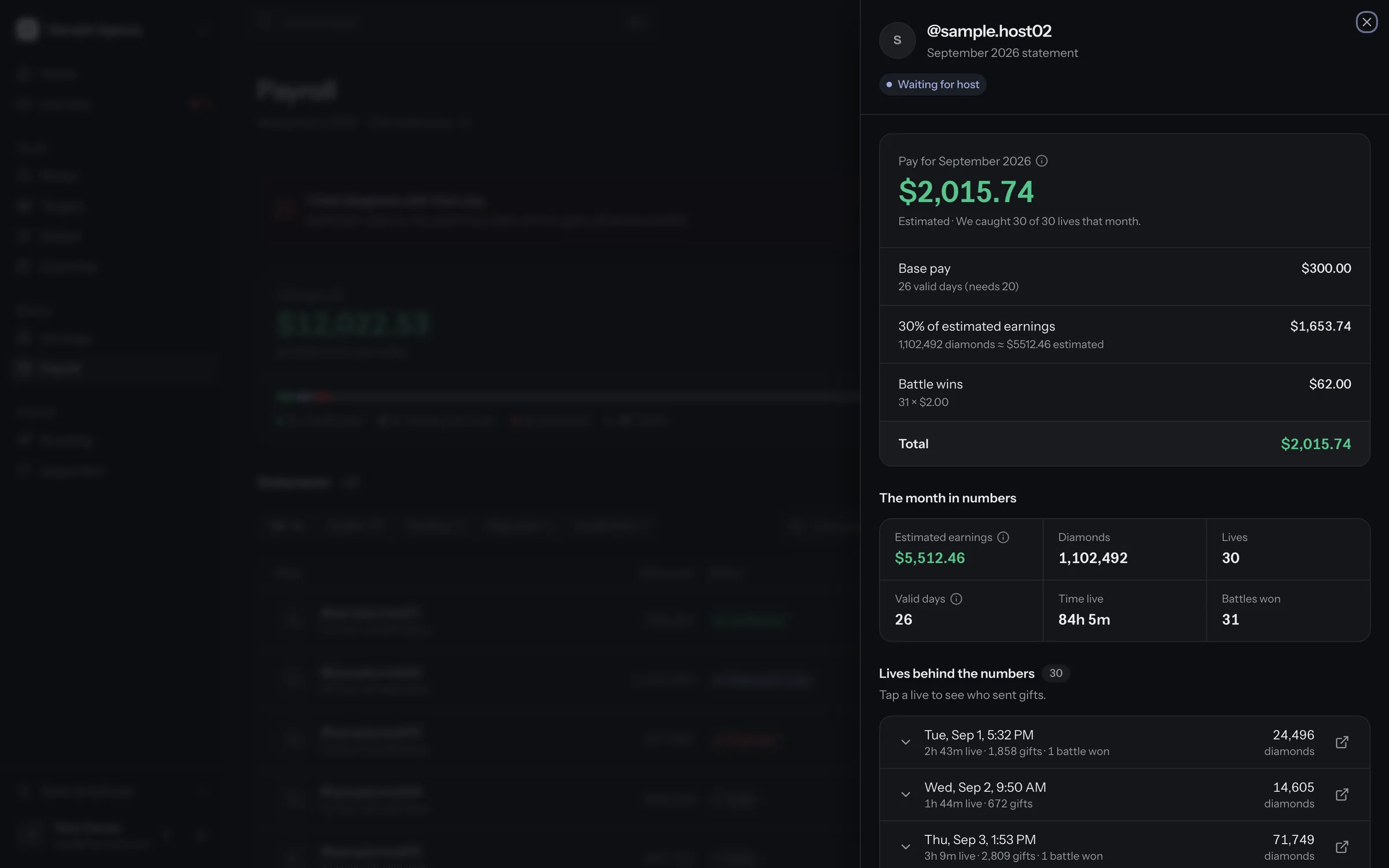
  • A host's pay statement. Base pay, a share of estimated earnings and battle bonuses add up to the total, with the lives behind the numbers. Sample data.
    Sample data

    Pay statements from your rules

    On Agency and above

    Base pay, a share of earnings and battle bonuses add up per host. Hosts confirm or dispute in the creator app.

    More about payroll
Growth and team

Grow the roster, share the work

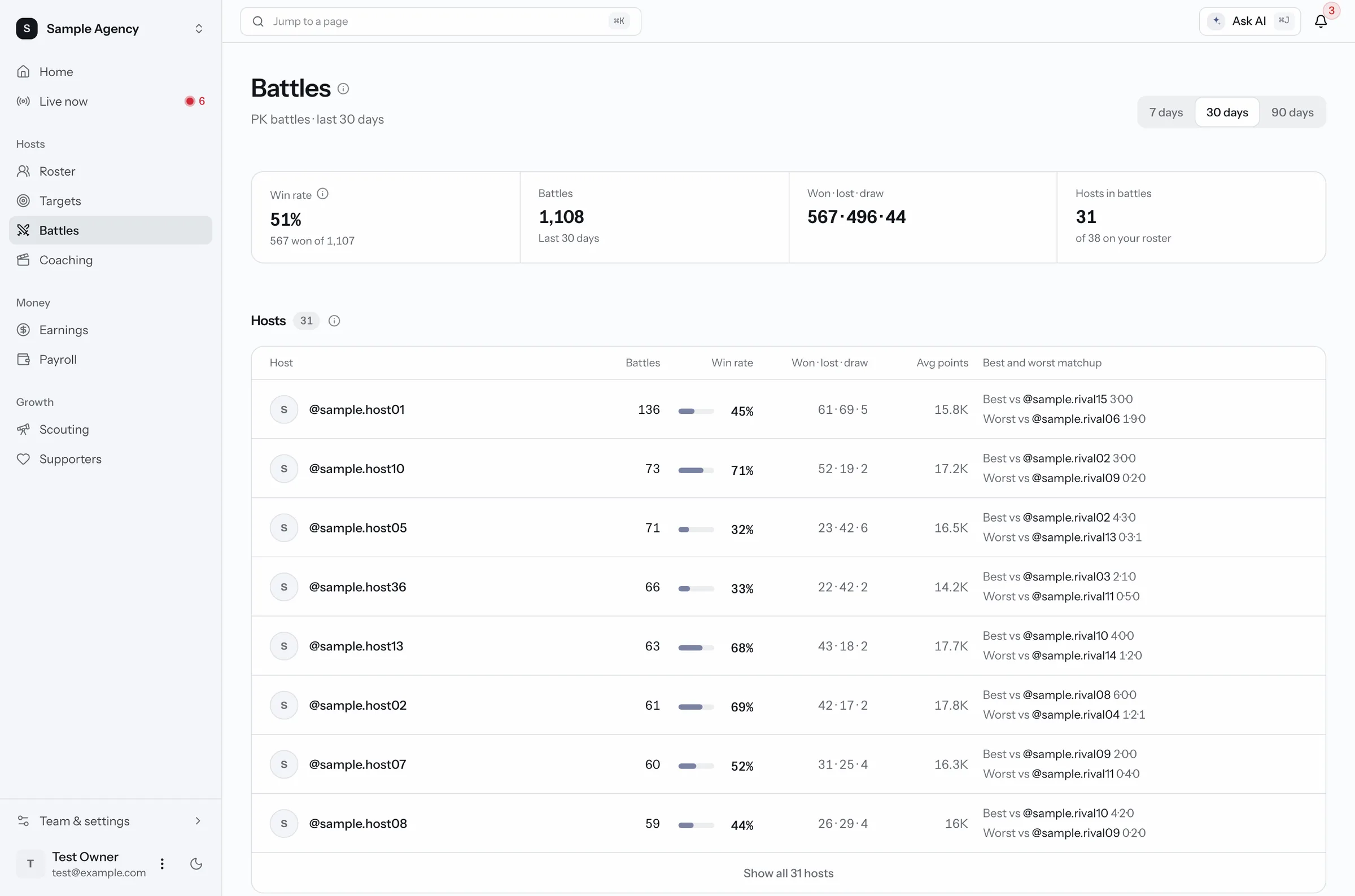
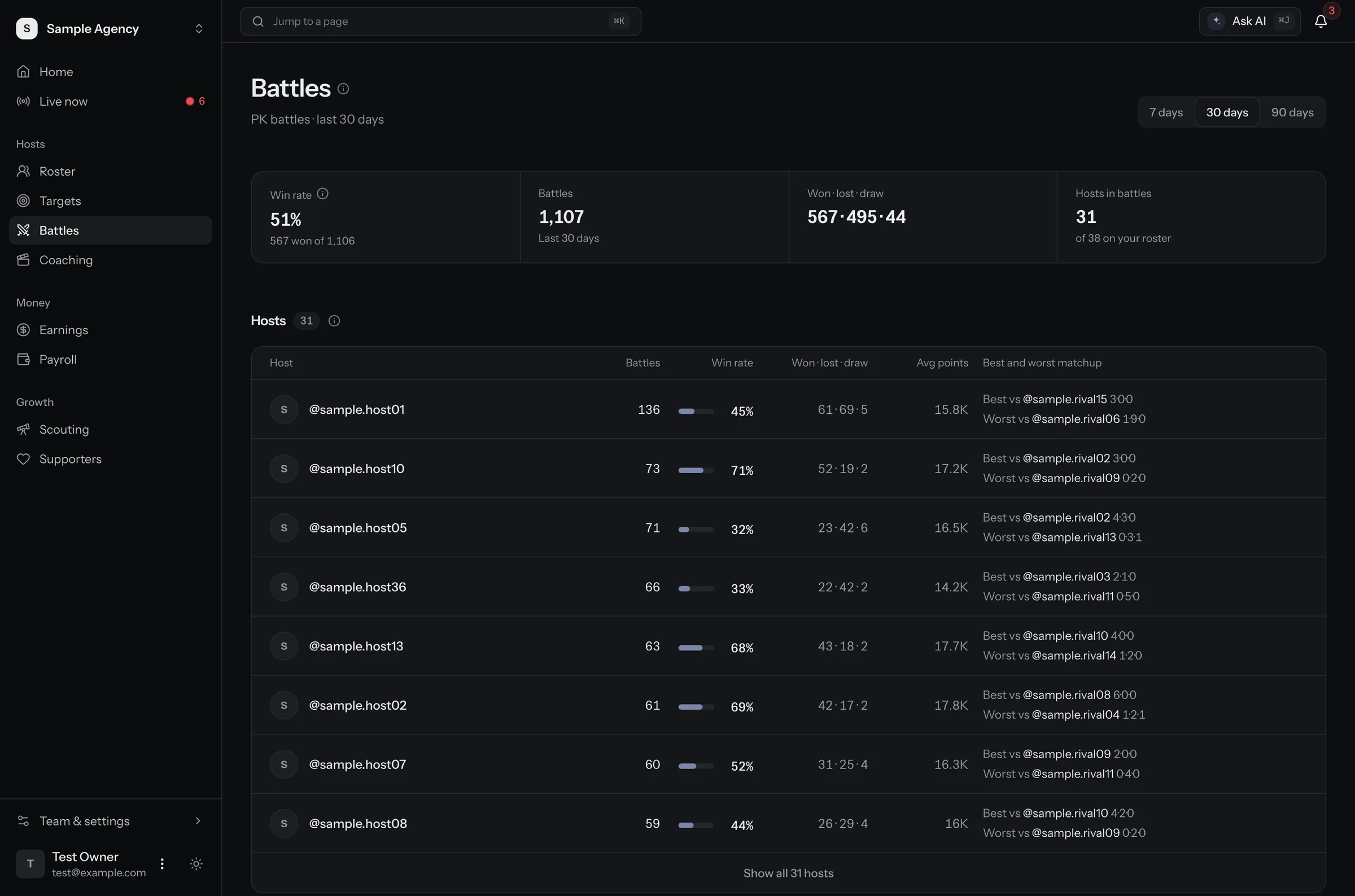
  • Battles page. Win rate and results for the last 30 days, and each host's best and worst opponent. Sample data.
    Sample data

    Battles

    Win rate, results and each host's best and worst opponents.

    More about battles
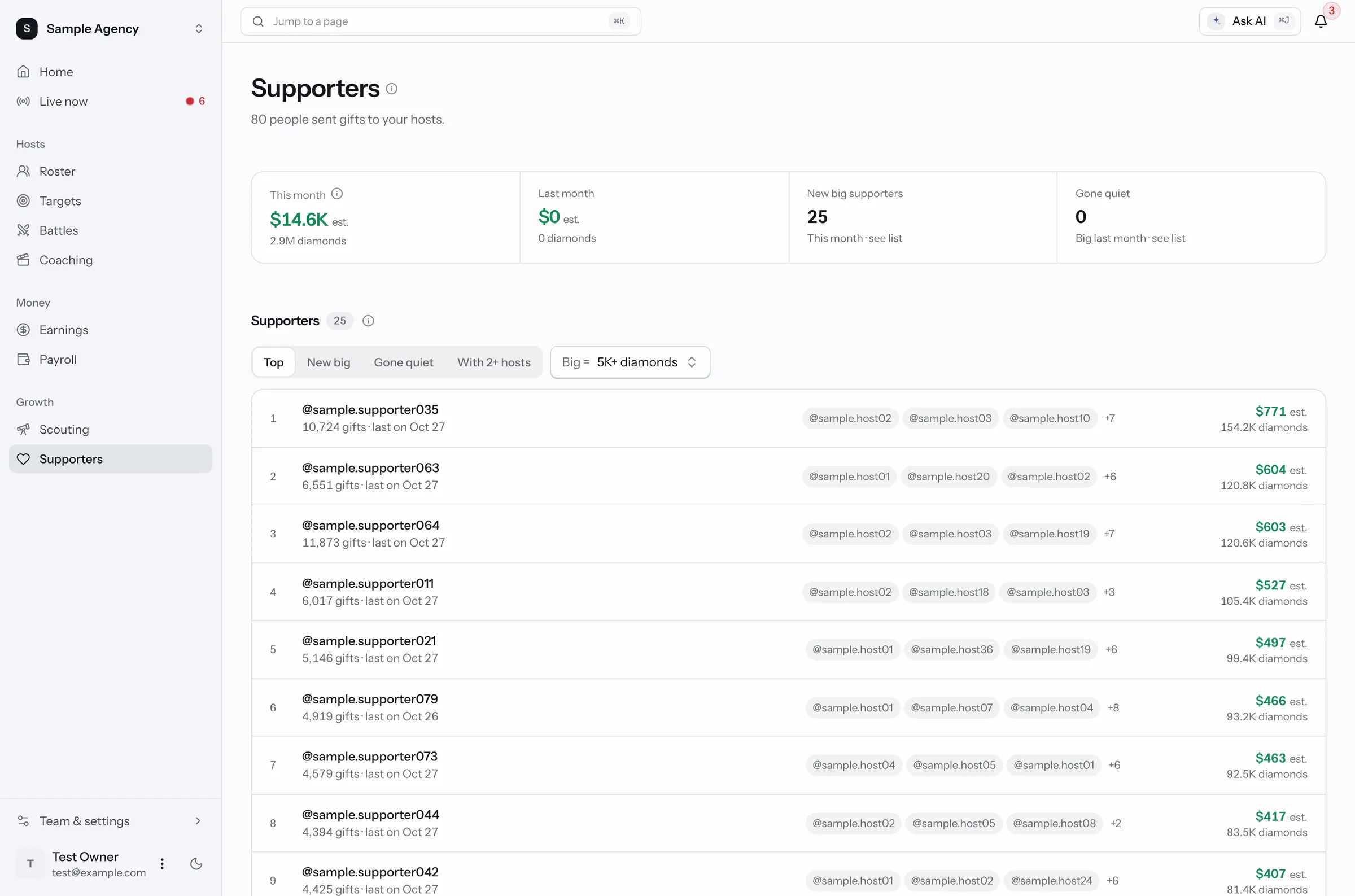
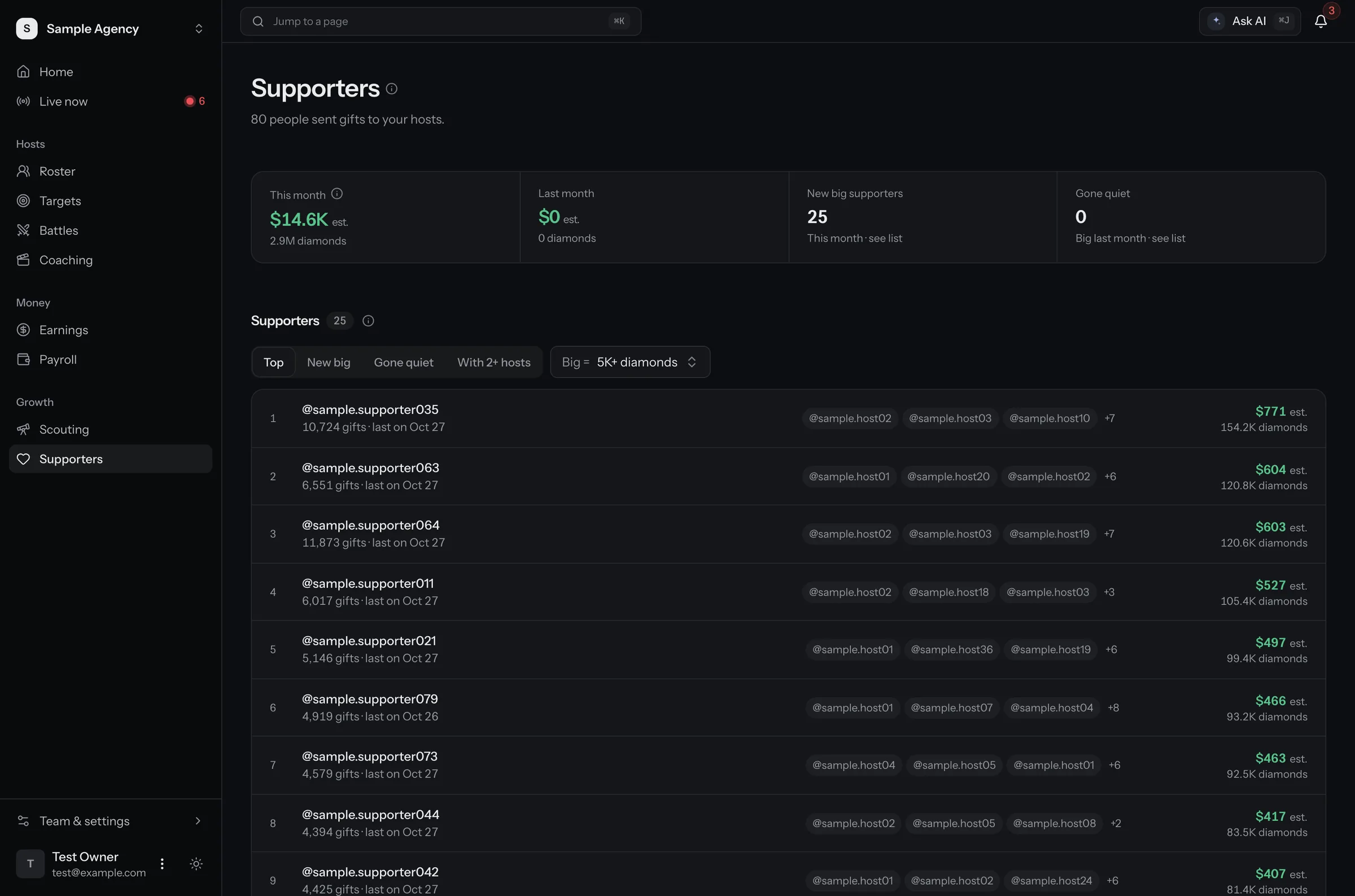
  • Supporters page. The people who sent the most gifts to your hosts, and which hosts they support. Sample data.
    Sample data

    Supporters

    Who sends the most gifts to your hosts. Only inside your own hosts' rooms.

    More about supporters
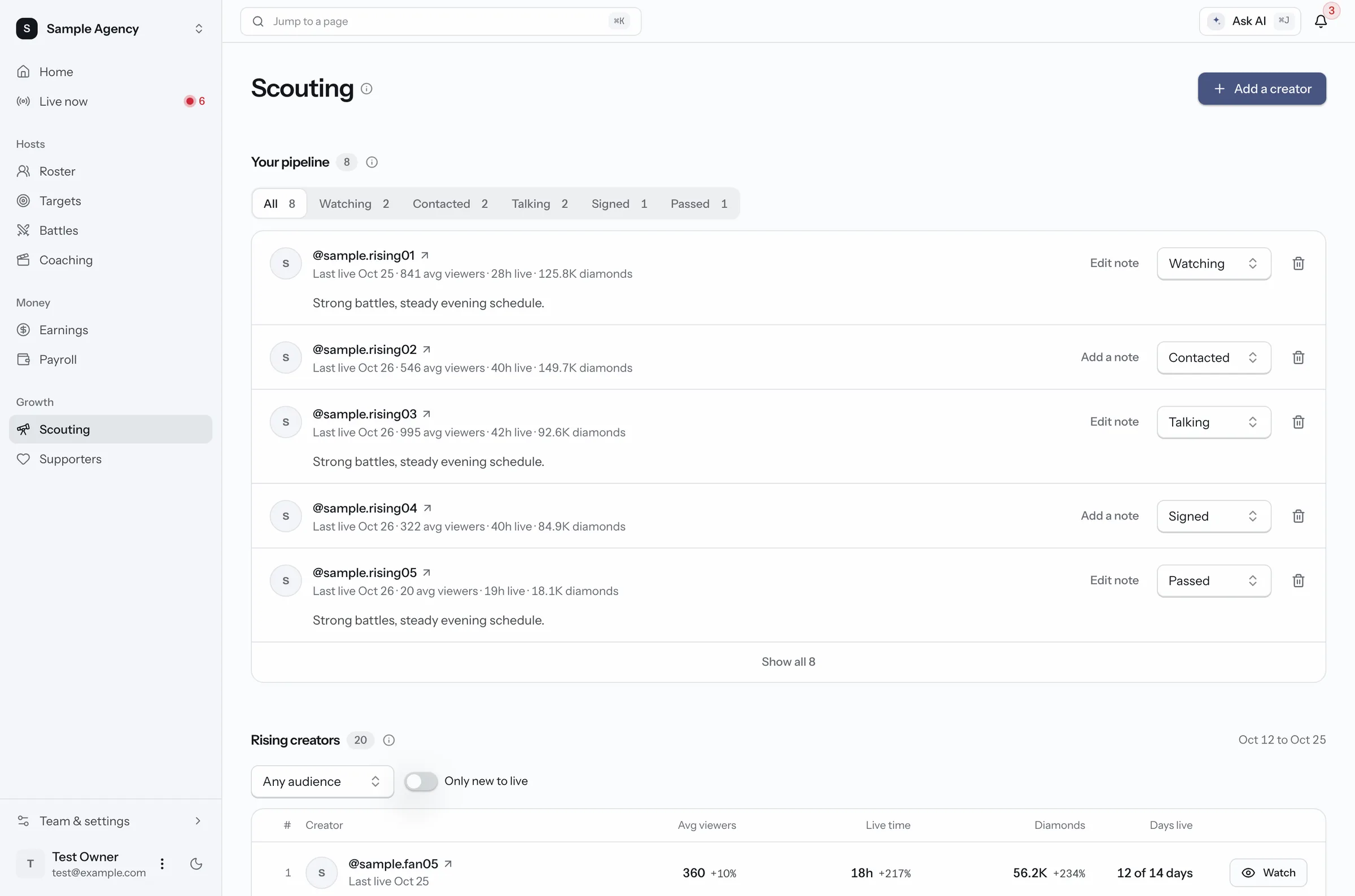
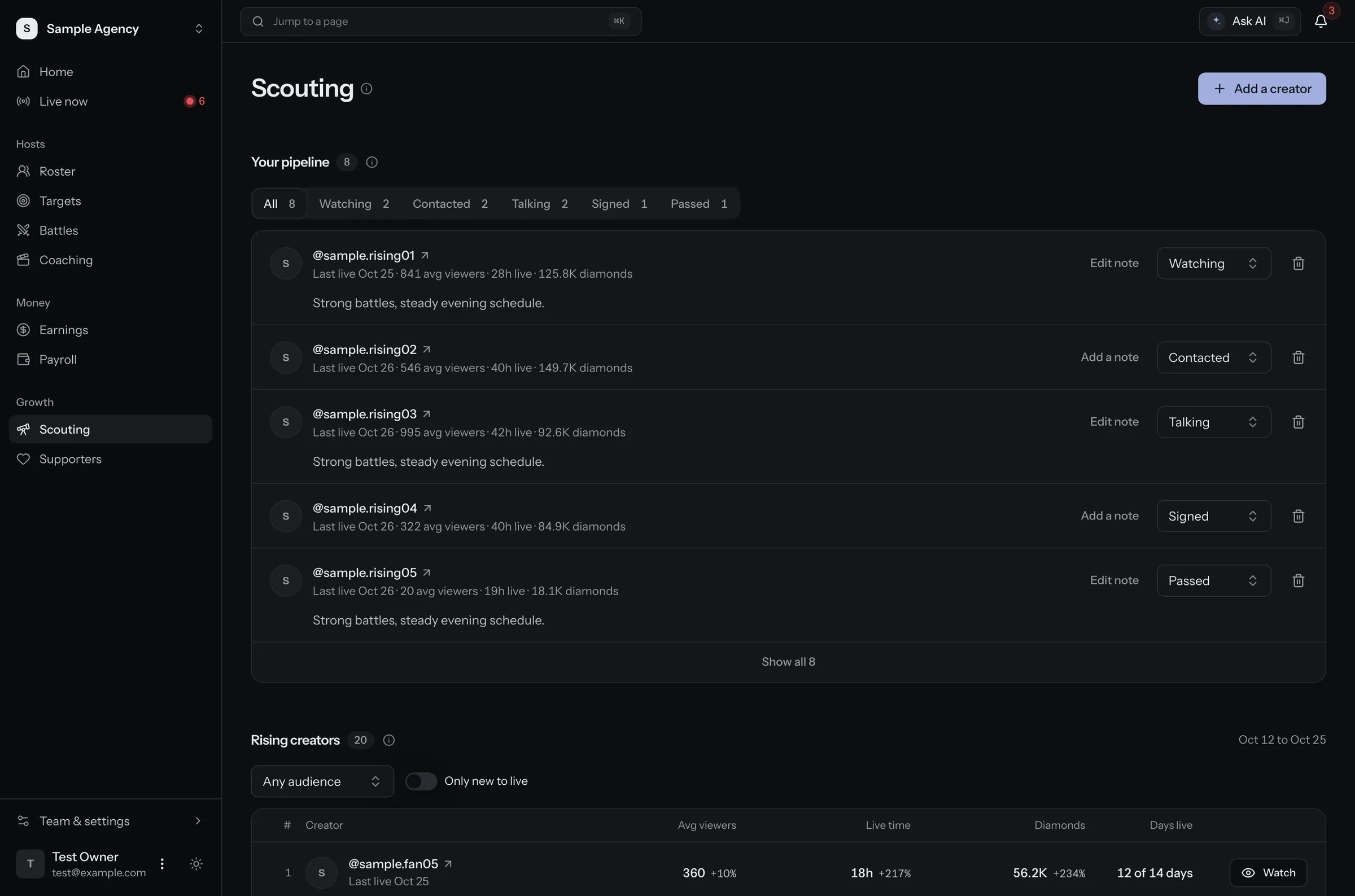
  • Scouting page. Creators you are watching or talking to, with notes and a status for each, and a list of rising creators. Sample data.
    Sample data

    Scouting

    Rising creators to look at, with notes and a status. Your team reaches out, never a bot.

    More about scouting
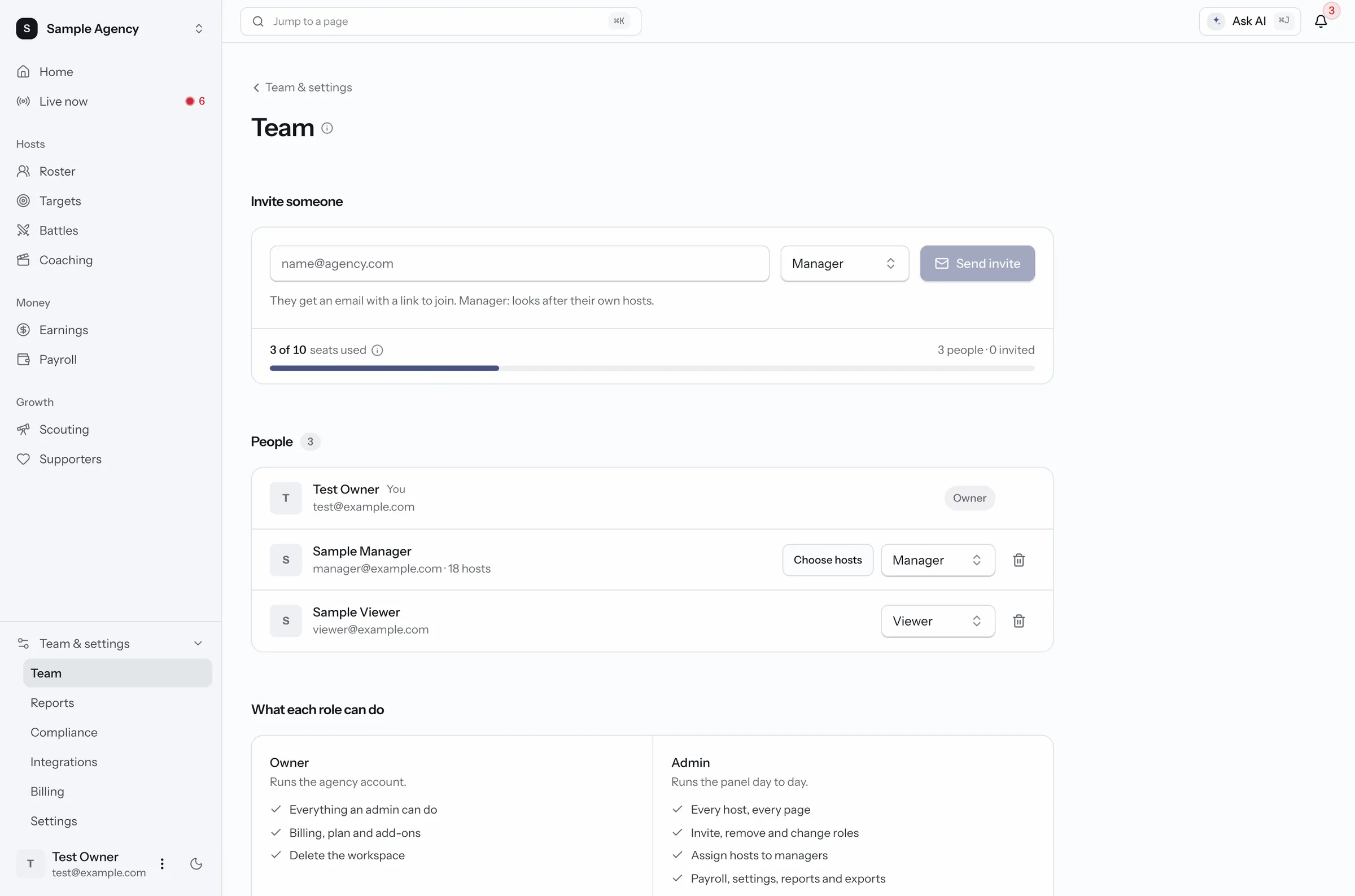
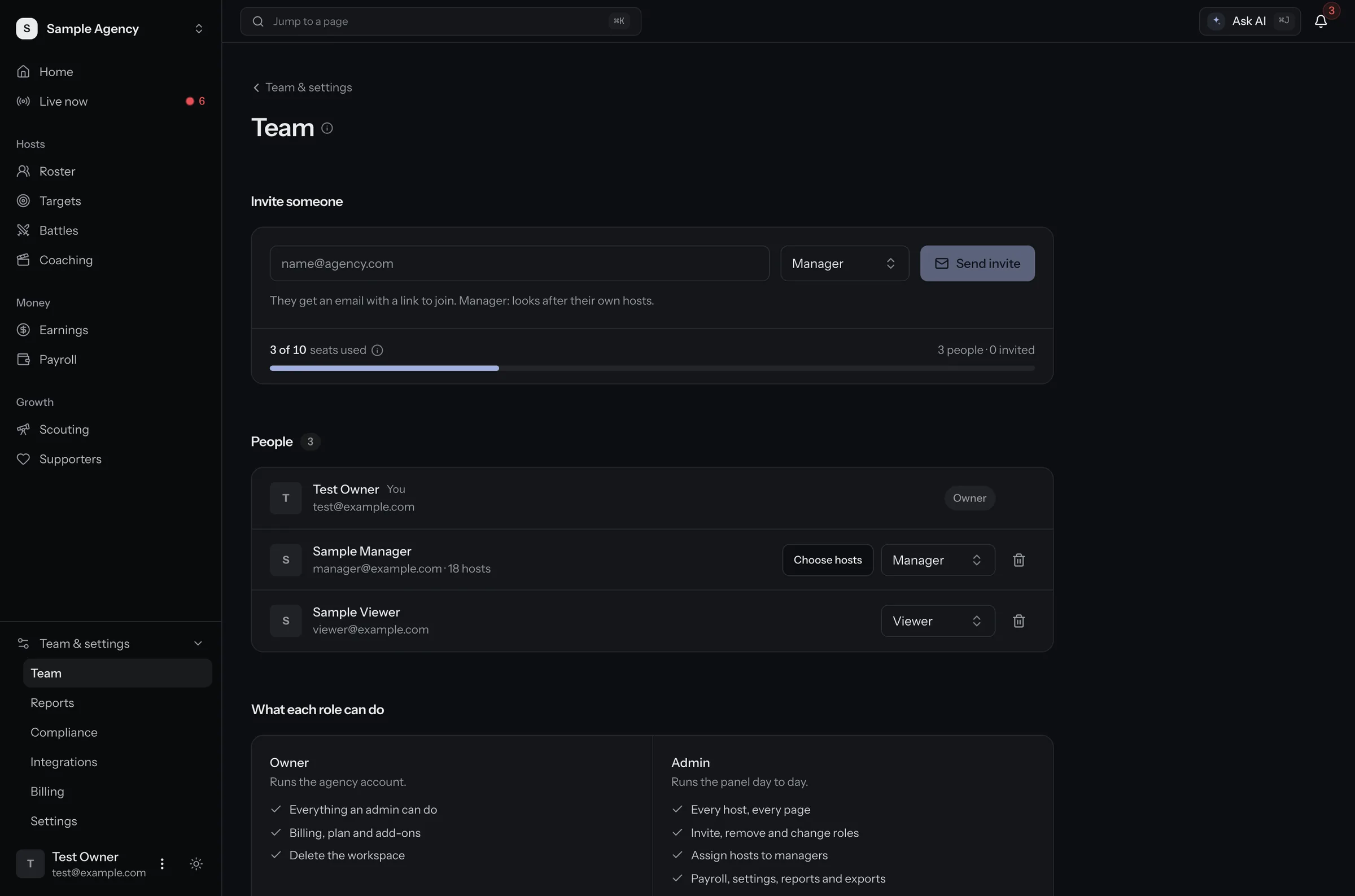
  • Team page. Invite managers and viewers, see seats used, and choose which hosts each manager looks after. Sample data.
    Sample data

    Team

    Invite managers and viewers. Each manager sees only their own hosts.

    More about team
TikMonitor AI

Ask about your agency. Approve what it changes.

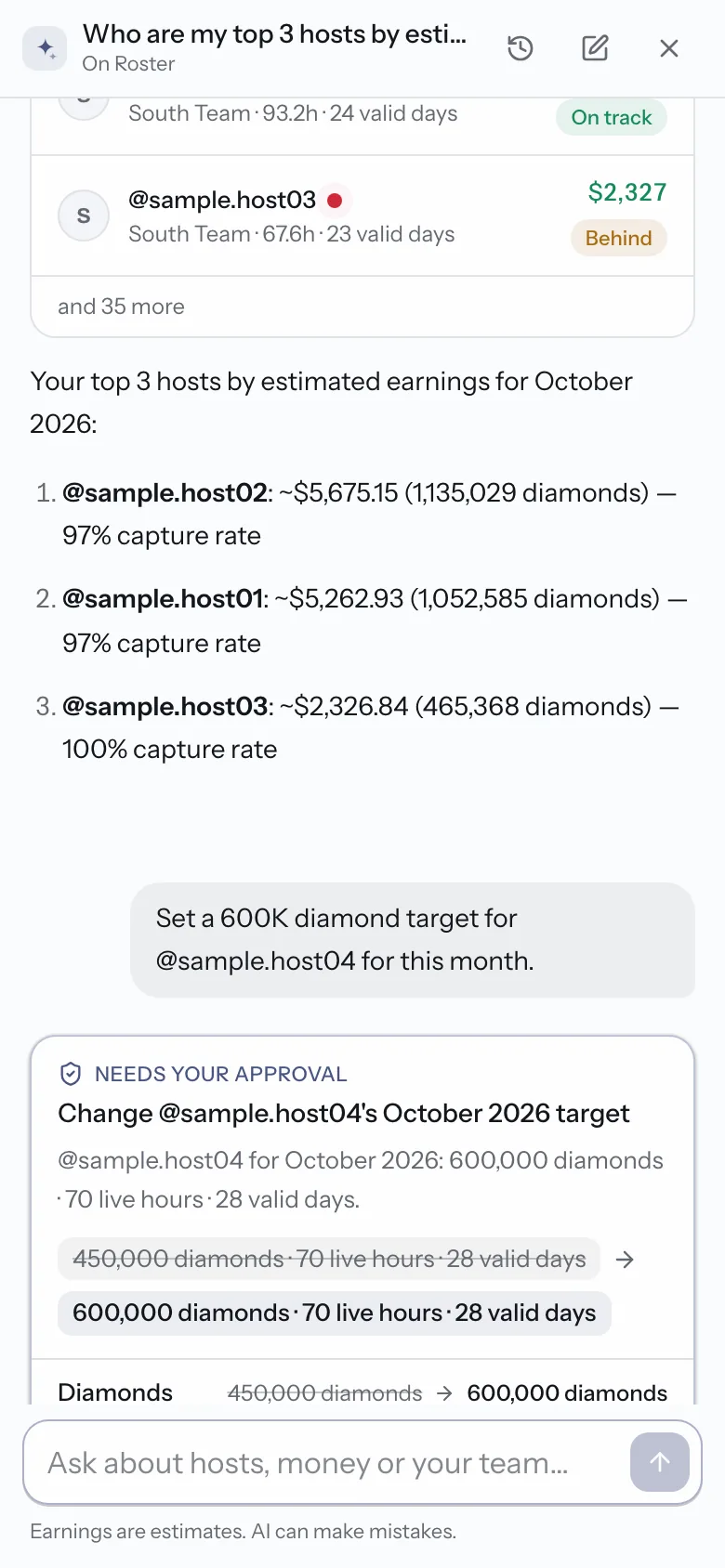
An assistant built into the panel. Ask in plain words, on a laptop or a phone. It answers with the same numbers the panel shows.

  • Answers from your own numbers

    Top hosts this month, who is behind, how a battle went. Money is always marked as an estimate.

  • Nothing changes until you approve

    It can set a target, assign a manager or draft pay statements. You see the change first, then tap Approve or Deny.

  • Sees only what you can see

    A manager's assistant covers that manager's hosts only. It never asks for a Backstage login and never messages anyone.

Open it from any page with Ask AI, or press ⌘J.

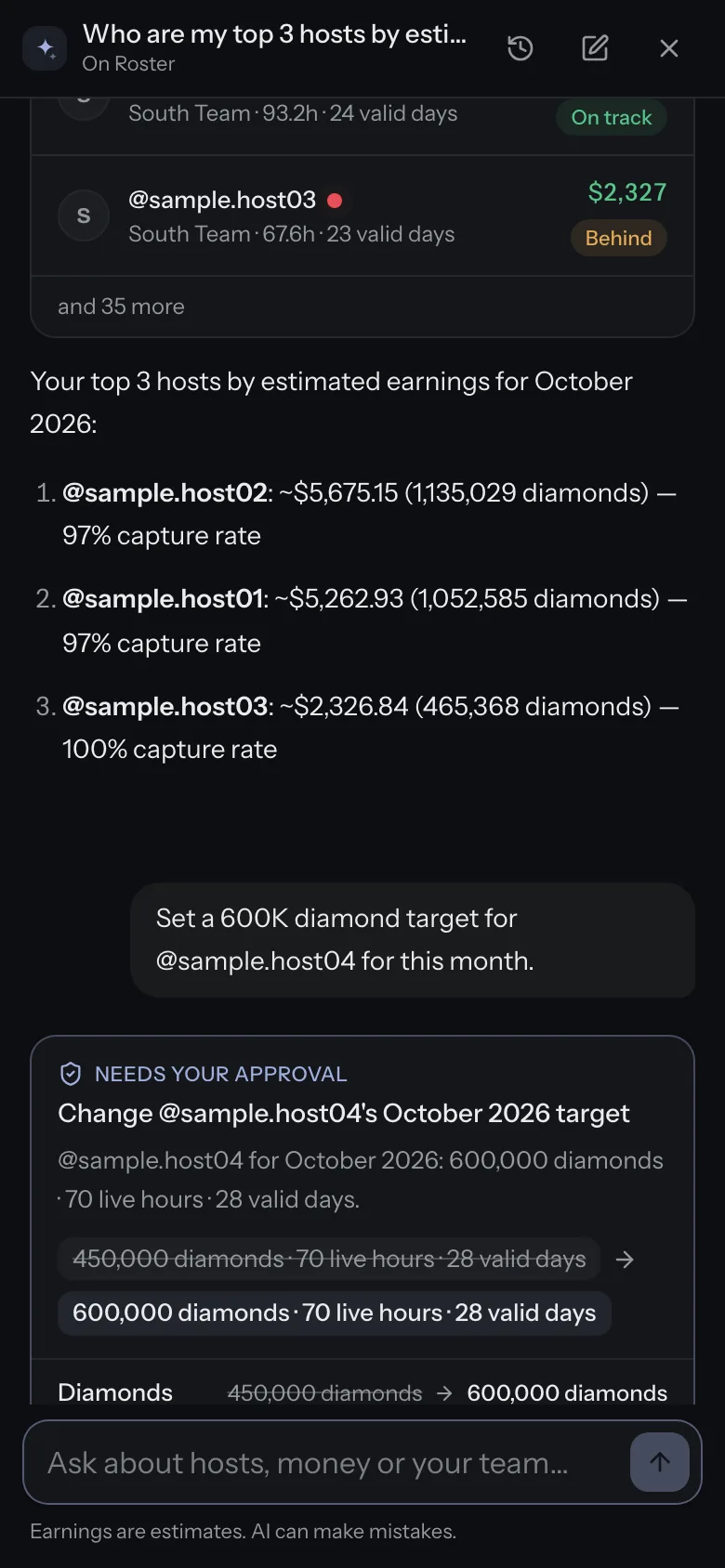
TikMonitor AI on a phone. An answer about top hosts and a target change waiting for approval. Sample data.
Sample data
Trust

Built to keep your agency safe

TikTok's rules for Creator Networks are strict about Backstage data and recruiting. The panel stays clear of them.

  • Never asks for your Backstage login

    No logins, no Backstage sync, no export uploads. TikTok's rules forbid sharing Backstage access, so we never ask.

  • Public live data only

    Chat, gifts, viewers and battles from the live any viewer can open. Supporter data stays inside your own hosts' rooms.

  • Honest estimates

    Earnings and pay come from the gifts we captured. Each host shows how many of their lives we caught.

  • Roles for the whole team

    Owners, admins, managers and viewers. A manager sees only their assigned hosts, in every list, total and export.

We never send auto-DMs or comments, and any creator can opt out. How we handle data

Pricing

Priced by the size of your roster

Every agency plan includes the full panel, TikMonitor AI and a team. Add packs of hosts, seats or recording slots as you grow.

  • Agency Lite

    $99/mo

    50 hosts · 3 seats

  • AgencyRecommended

    $299/mo

    250 hosts · 10 seats

  • Agency Pro

    $699/mo

    750 hosts · 25 seats

  • Network

    from $1,500/mo

    2,000 hosts · 50 seats

Founding price: the first 25 agencies get 40% off for as long as they stay subscribed.

Compare plans and add-ons
Every section

Features, guides and comparisons

Questions agencies ask

What is TikMonitor for Agencies?

A panel for TikTok LIVE agencies. It follows every live of every host on your roster from public data, keeps the chat, gifts and battles (and the video for the hosts you record), and turns them into targets and estimated earnings for your team, plus payroll statements from the Agency plan. Plans start at $99 a month.

Do you need our TikTok LIVE Backstage login?

No, never. TikMonitor works only from the public live stream any viewer can open. TikTok's Creator Network Management Policy forbids sharing Backstage logins and pulling Backstage data with software, so we do not ask for logins, do not sync or scrape Backstage, and do not take Backstage export uploads.

How accurate are the earnings numbers?

Earnings are estimated from the gifts we captured: diamonds times $0.005, the usual creator payout rate. Each host shows a capture rate (lives captured out of lives we saw start), and missed lives are listed, so you can see how complete a month is. TikTok's own payout statements stay the official figure.

How many hosts can we track?

Agency Lite 50, Agency 250, Agency Pro 750, Network 2,000 hosts. When a roster outgrows its plan you add packs instead of jumping a tier: extra hosts (+100 for $39 a month), extra recording slots (+10 for $29 a month), extra seats (+5 for $25 a month).

Can a manager see only their own hosts?

Yes. Give a team member the manager role and assign hosts to them: they see those hosts only, in every list, total and export. Owners and admins see the whole roster; viewers can look but not change anything.

Can our hosts see their own numbers?

On Agency and above, hosts join your creator app with an invite link after proving they control their TikTok account. They see their own stats, goals and pay statements under your agency's name, and can confirm or dispute a statement.

What if a creator does not want to be tracked?

A creator can opt out by proving they control the account. After that nobody can add them, we stop capturing their lives and their public page comes down. The same list is respected in scouting and in the demo.

What is TikMonitor AI?

An assistant inside the agency panel. Ask about hosts, targets, earnings or pay in plain words and it answers with the panel's own numbers. It can propose a change, like a new target, but nothing changes until you tap Approve. It sees only what your role can see. Every agency plan includes it, with a monthly message allowance.

Is there a free trial?

Paid plans bill at checkout and have no trial. You can click through the demo agency first (sample data), cancel any time, and the plan stays active until the end of the period you paid for.
See your roster in one panel.

Start with the hosts you already manage. From then on every live is captured with chat, gifts and battles, and video for the hosts you record.